“I finally put our vacation photos on the TV instead of passing my phone around. Setup took a few minutes and the whole family could see.”
— Melissa R.
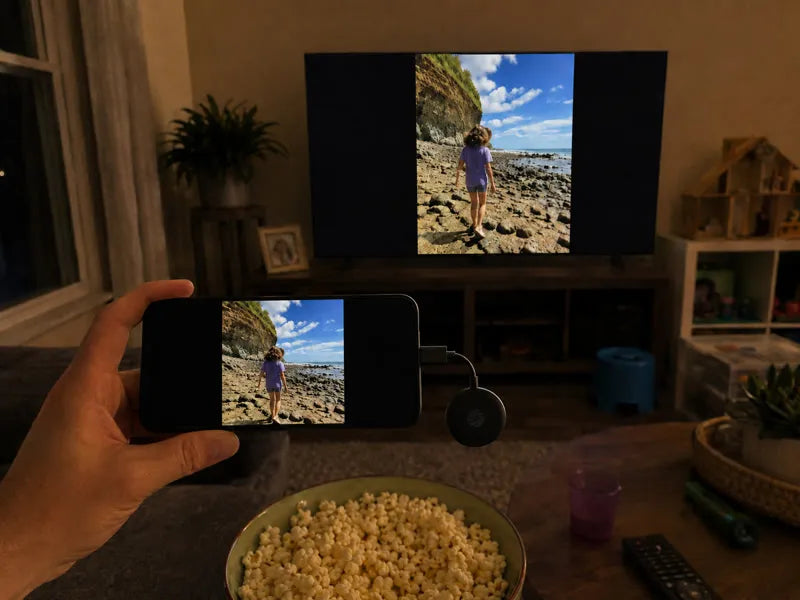
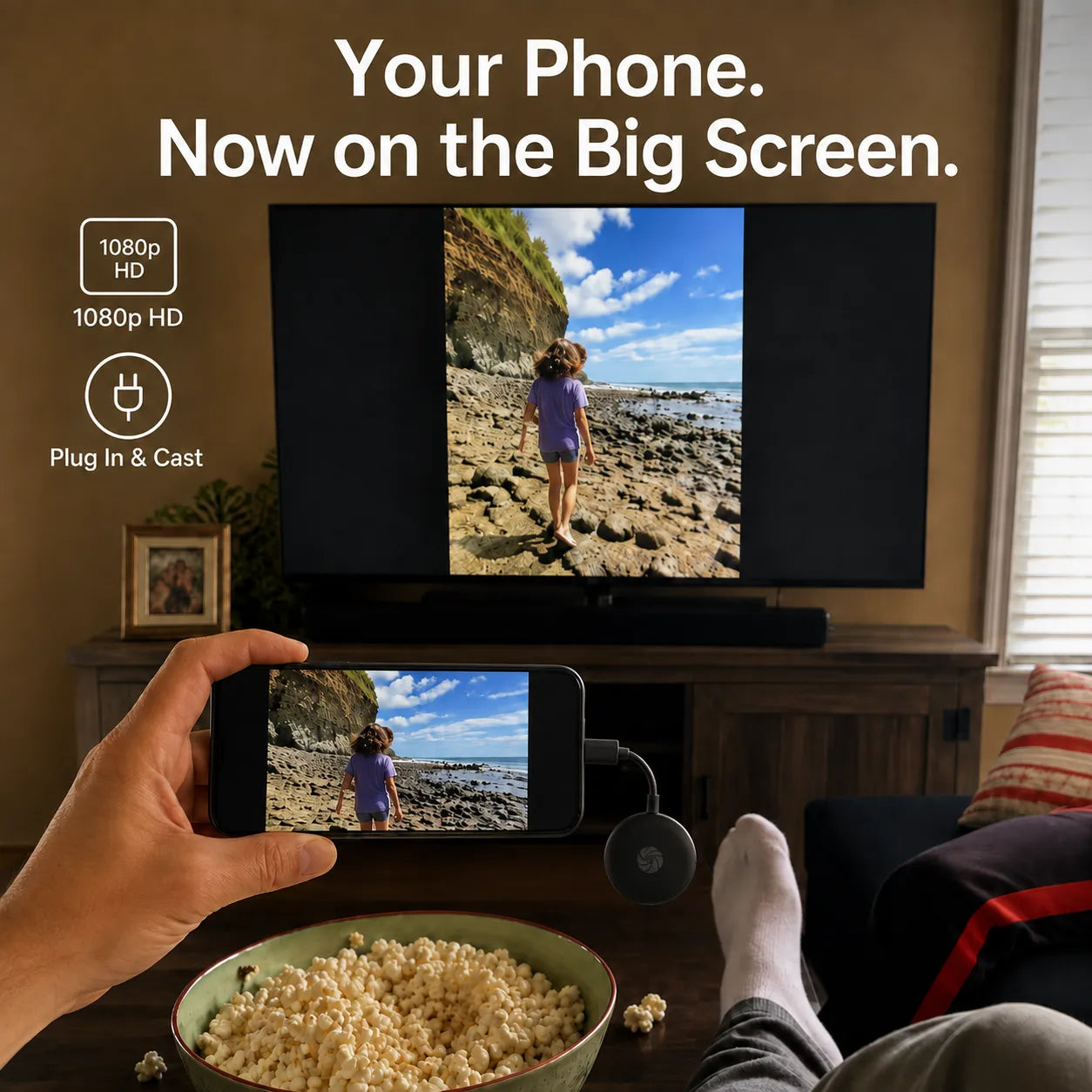
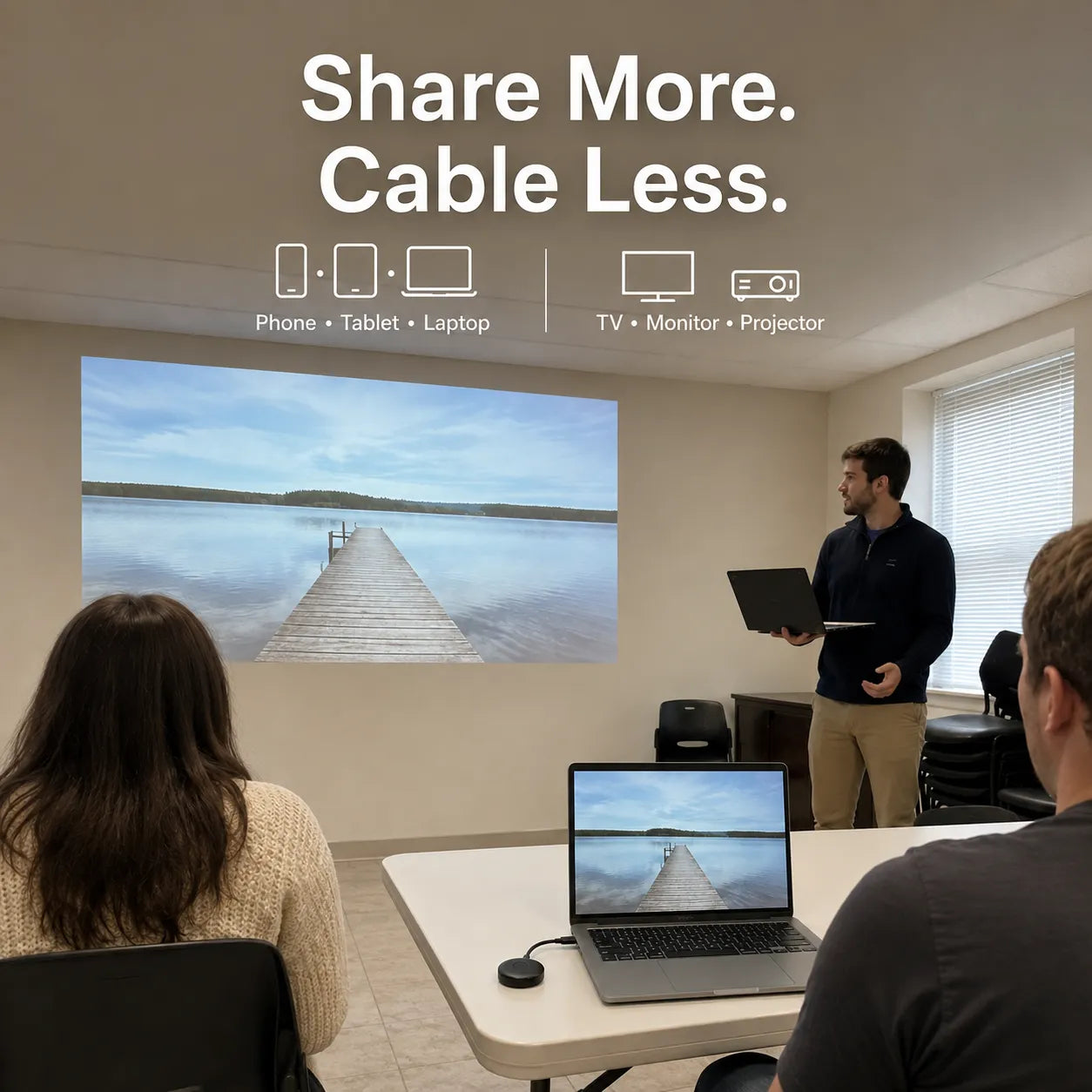
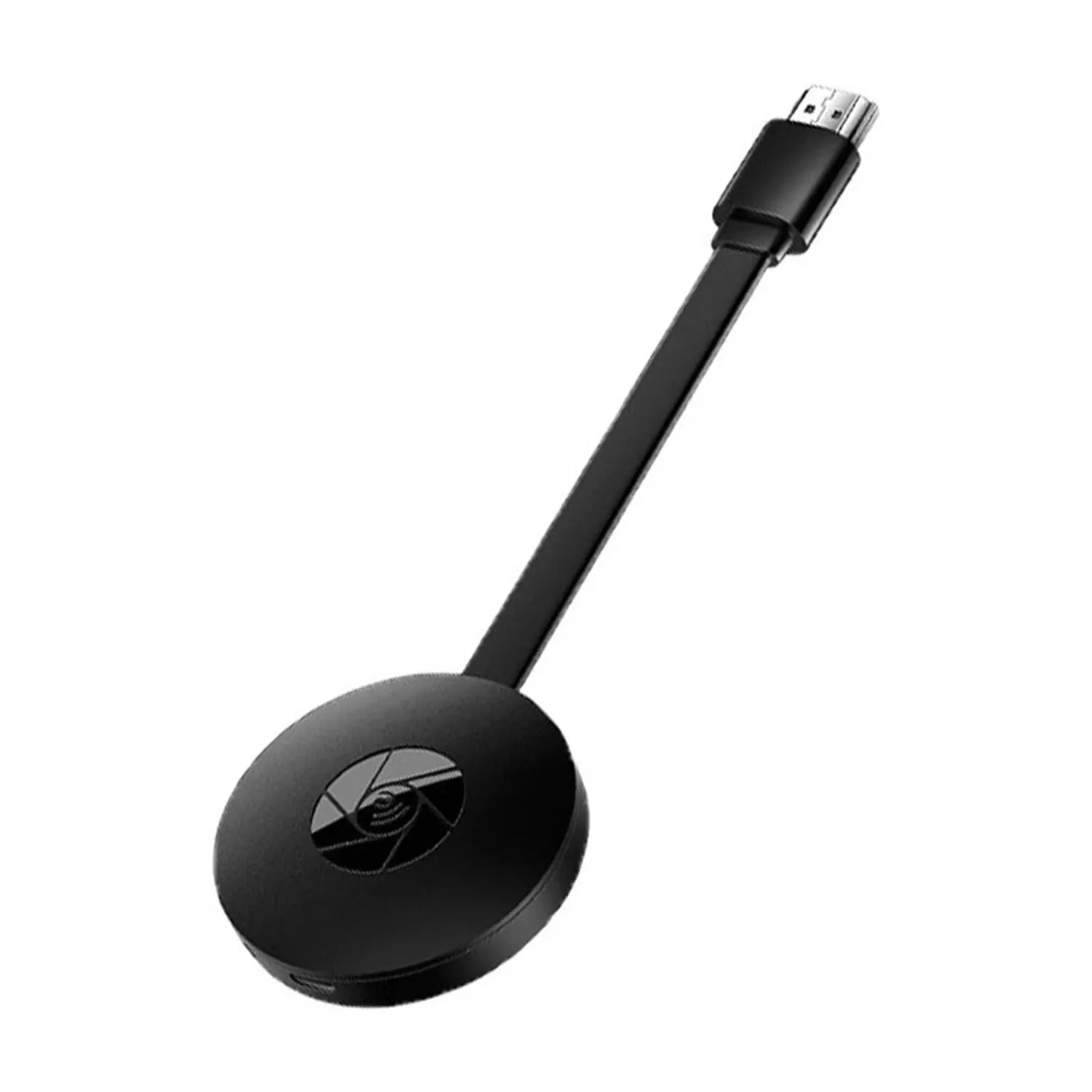
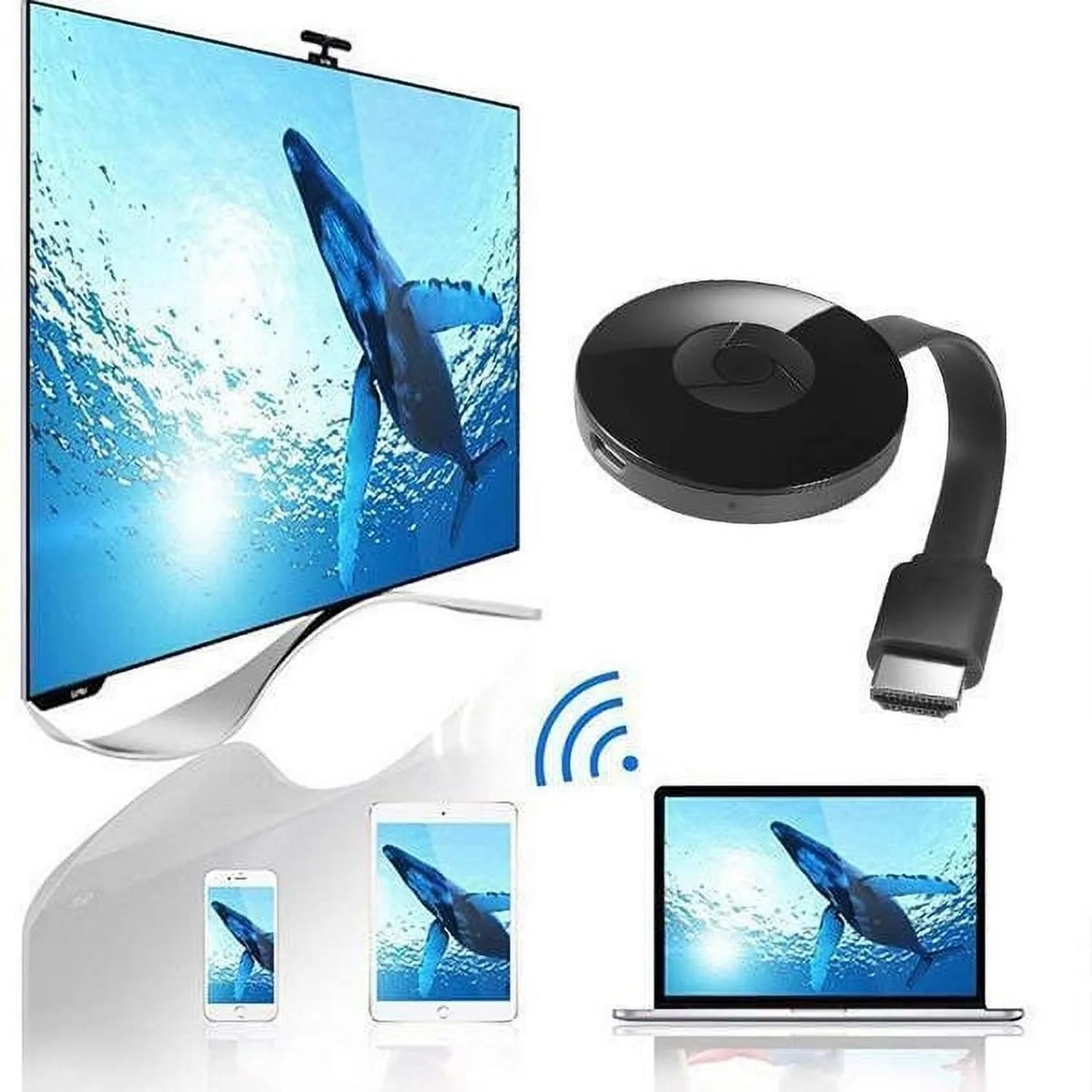
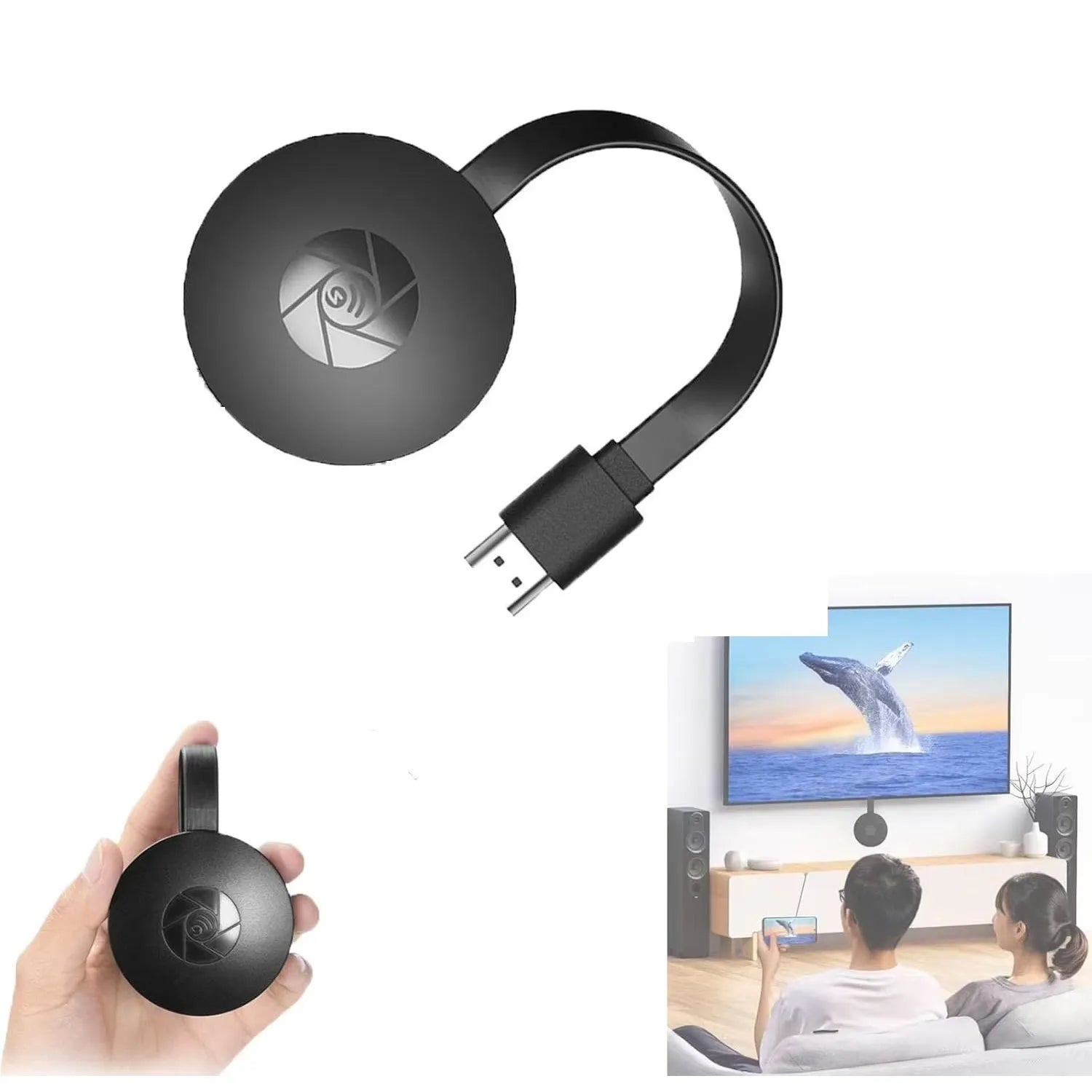
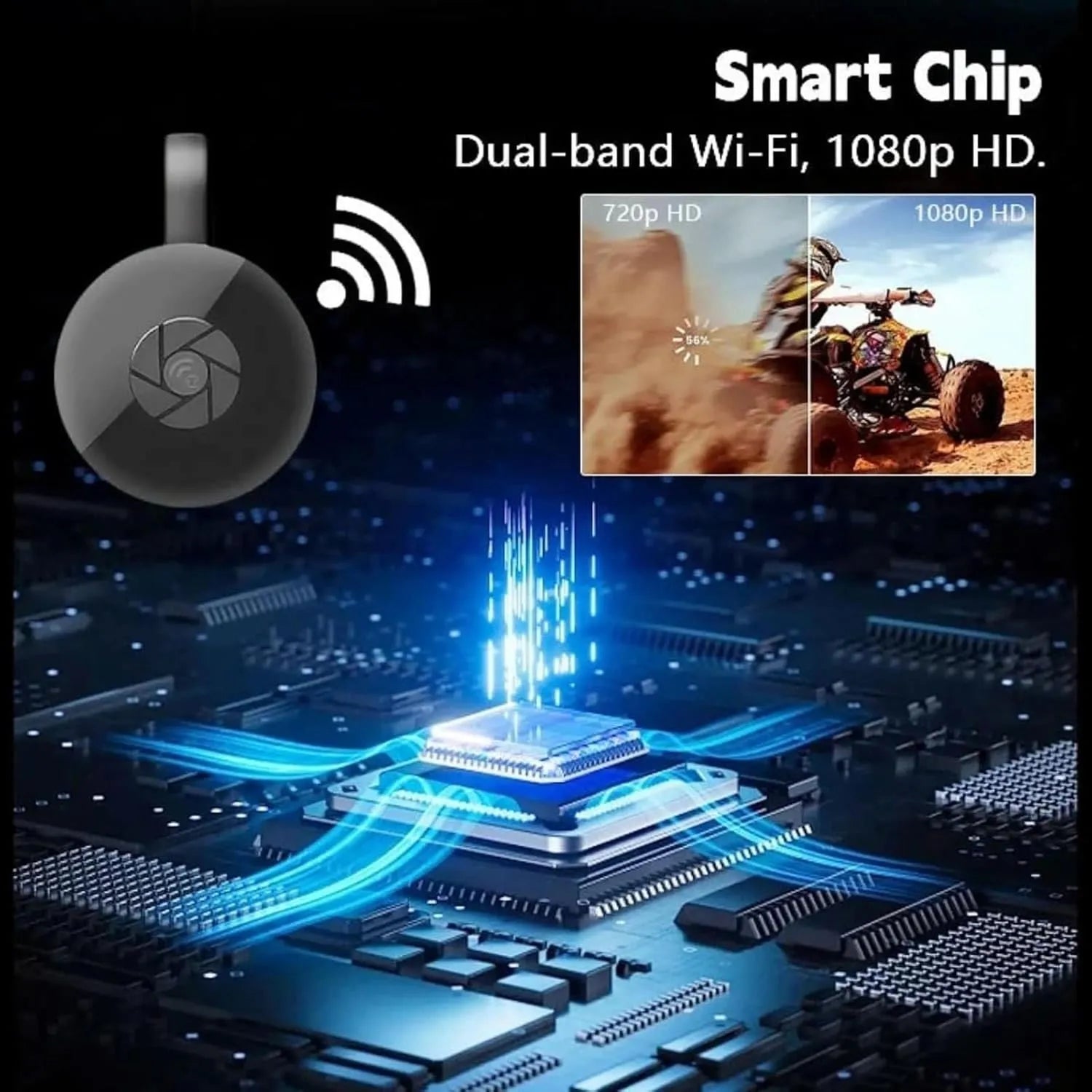
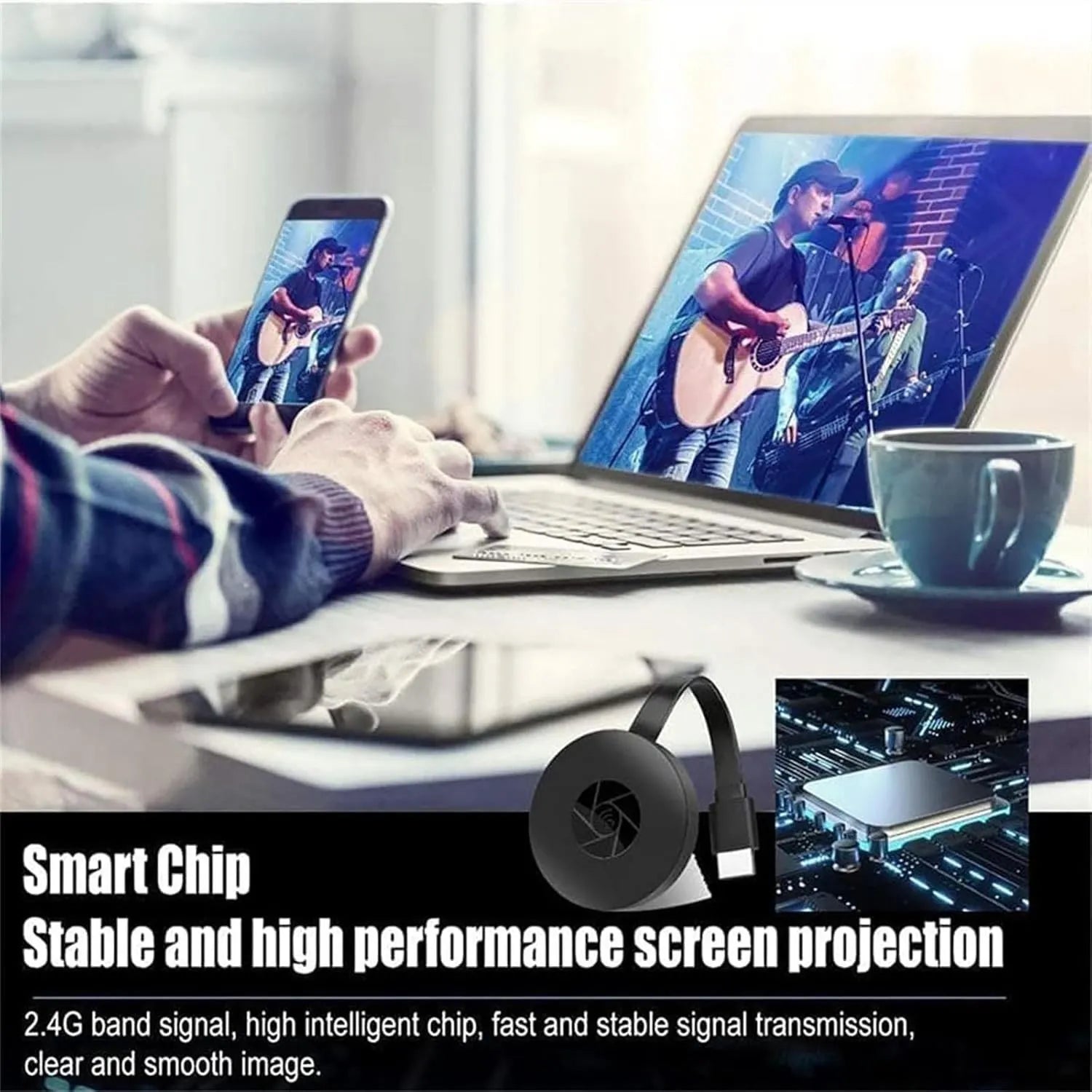
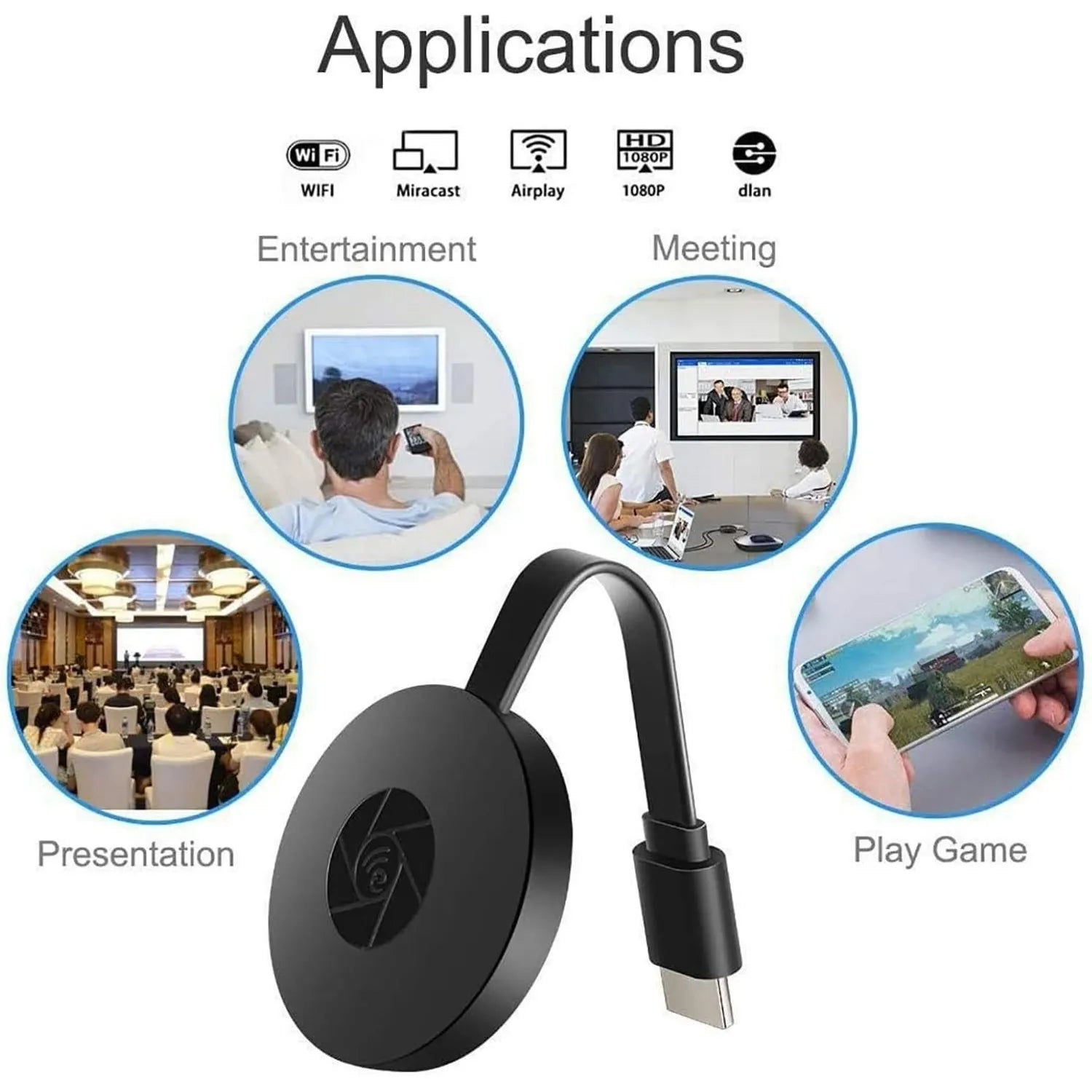
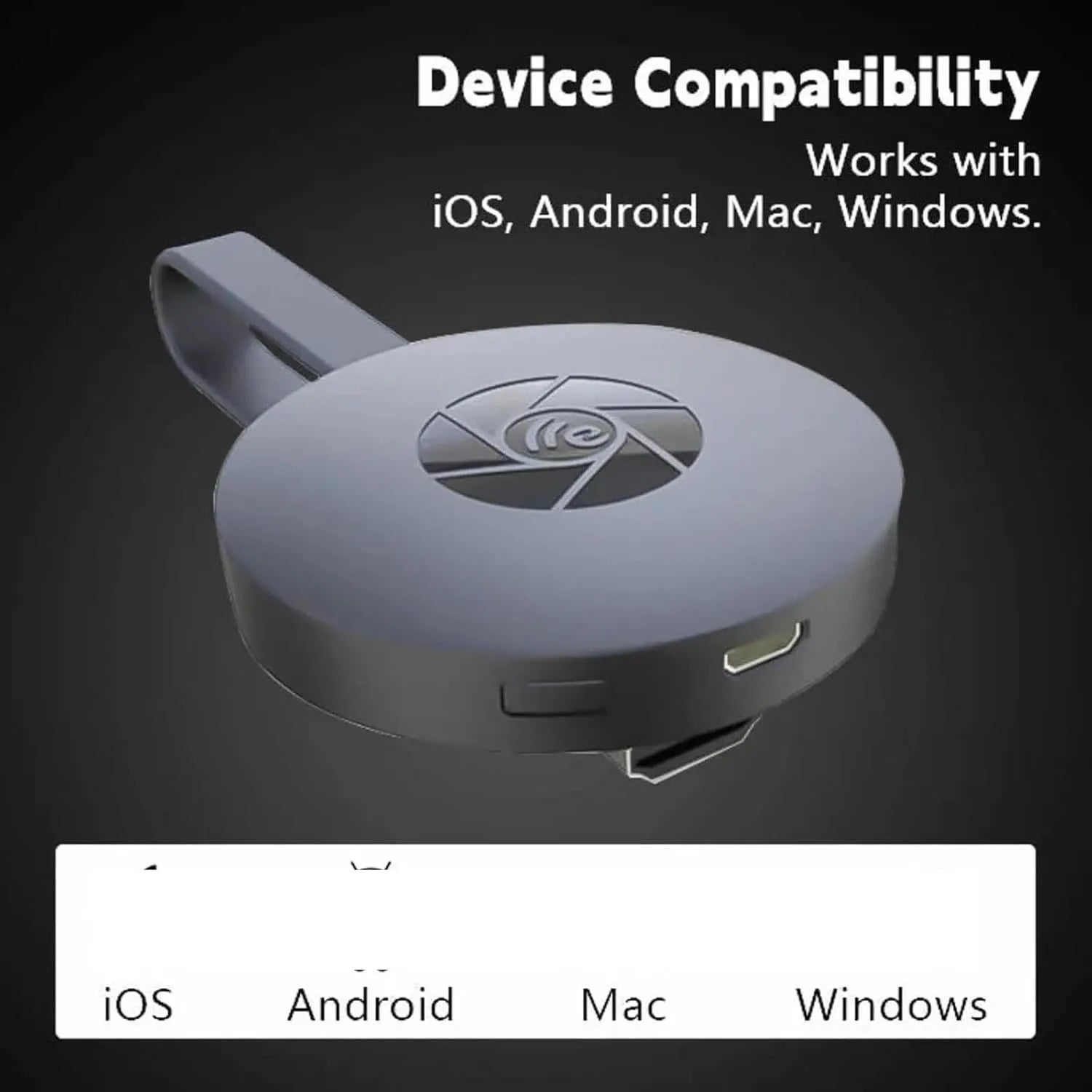
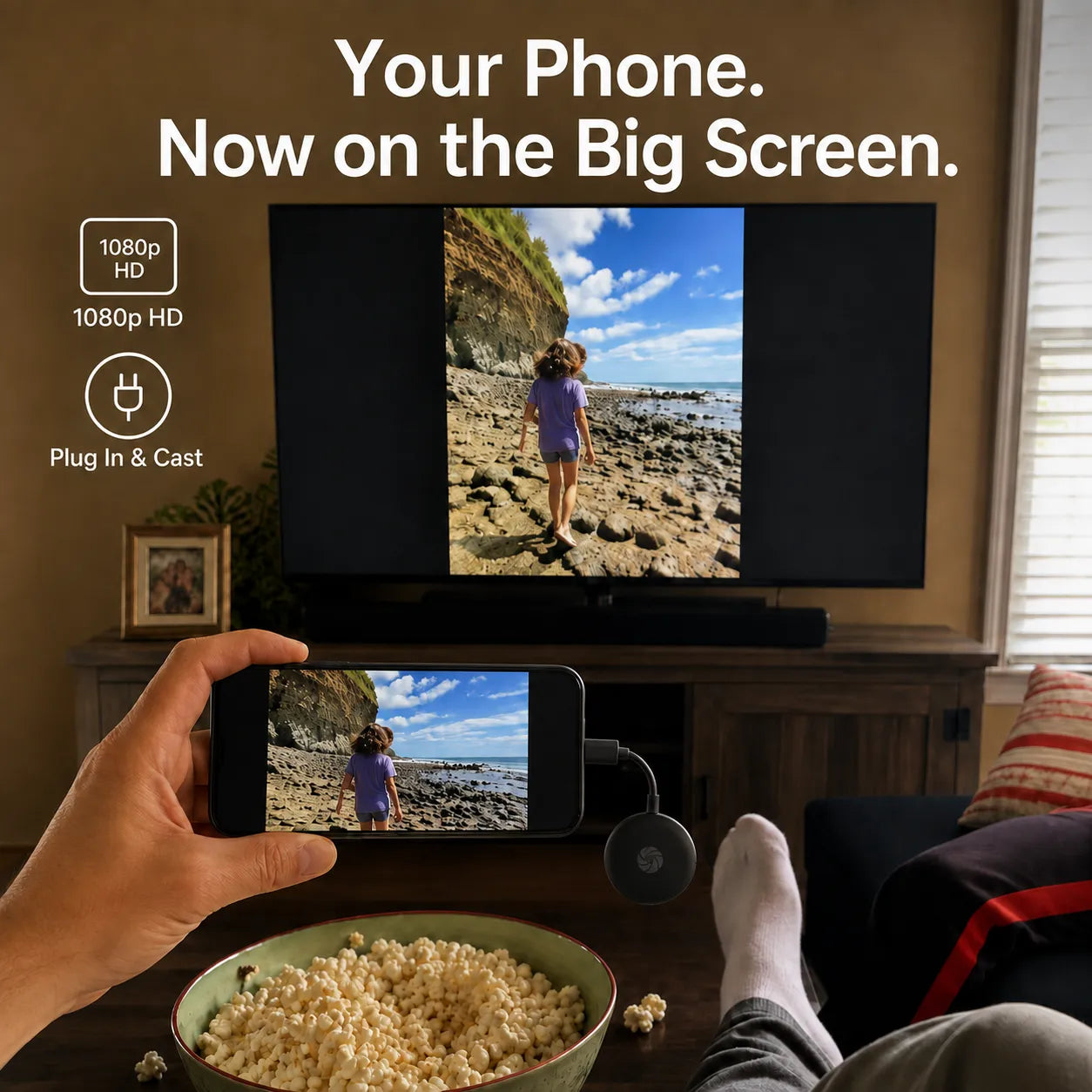
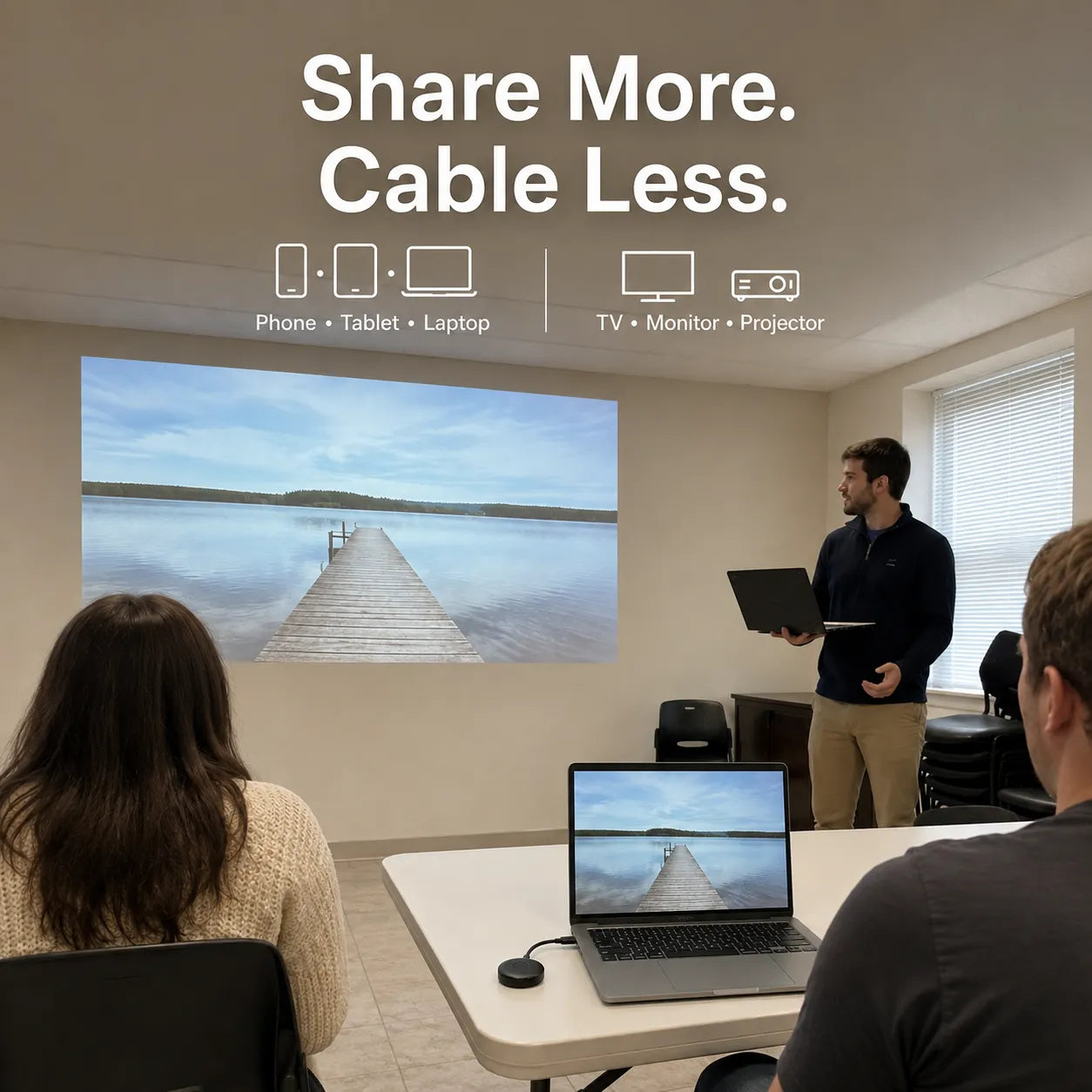
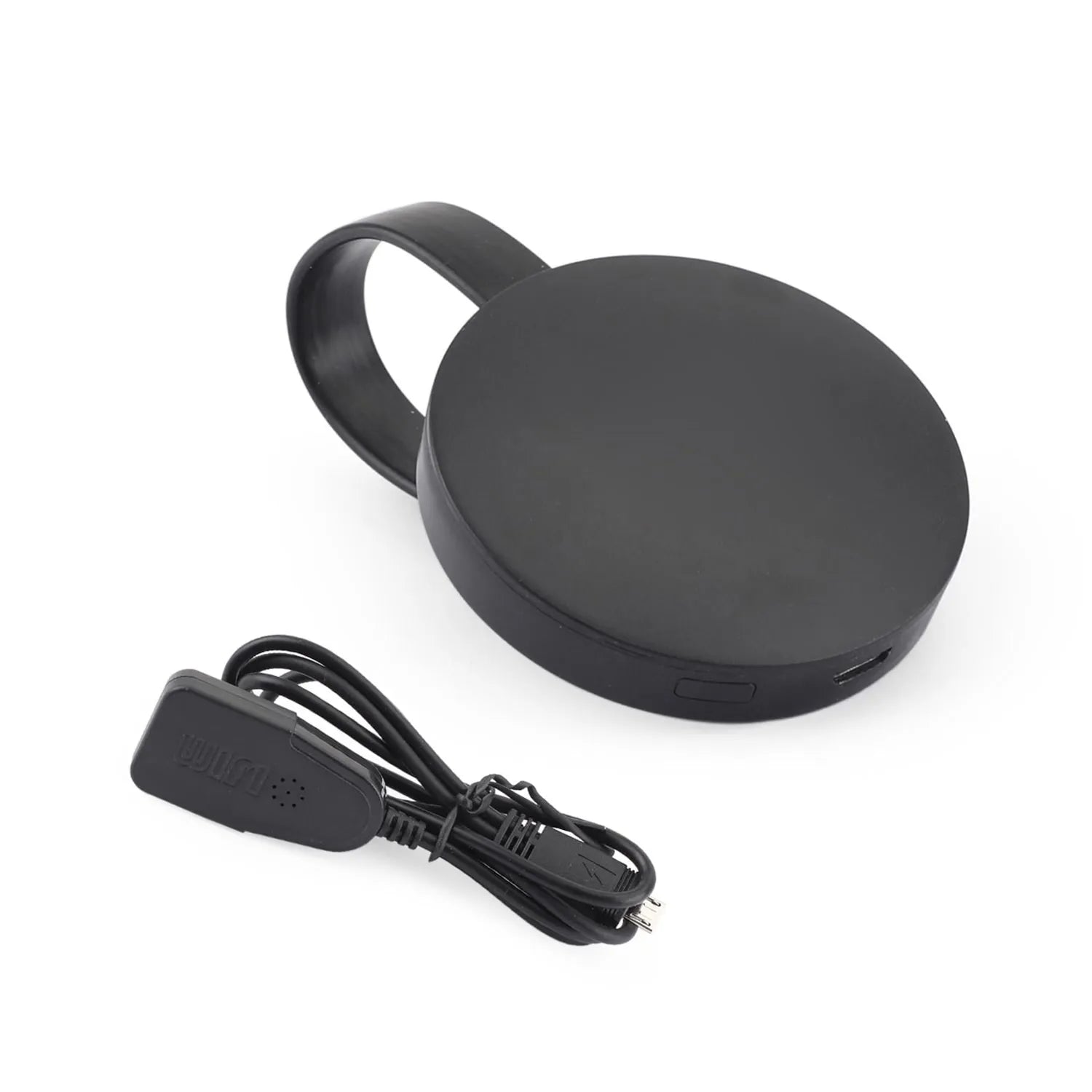
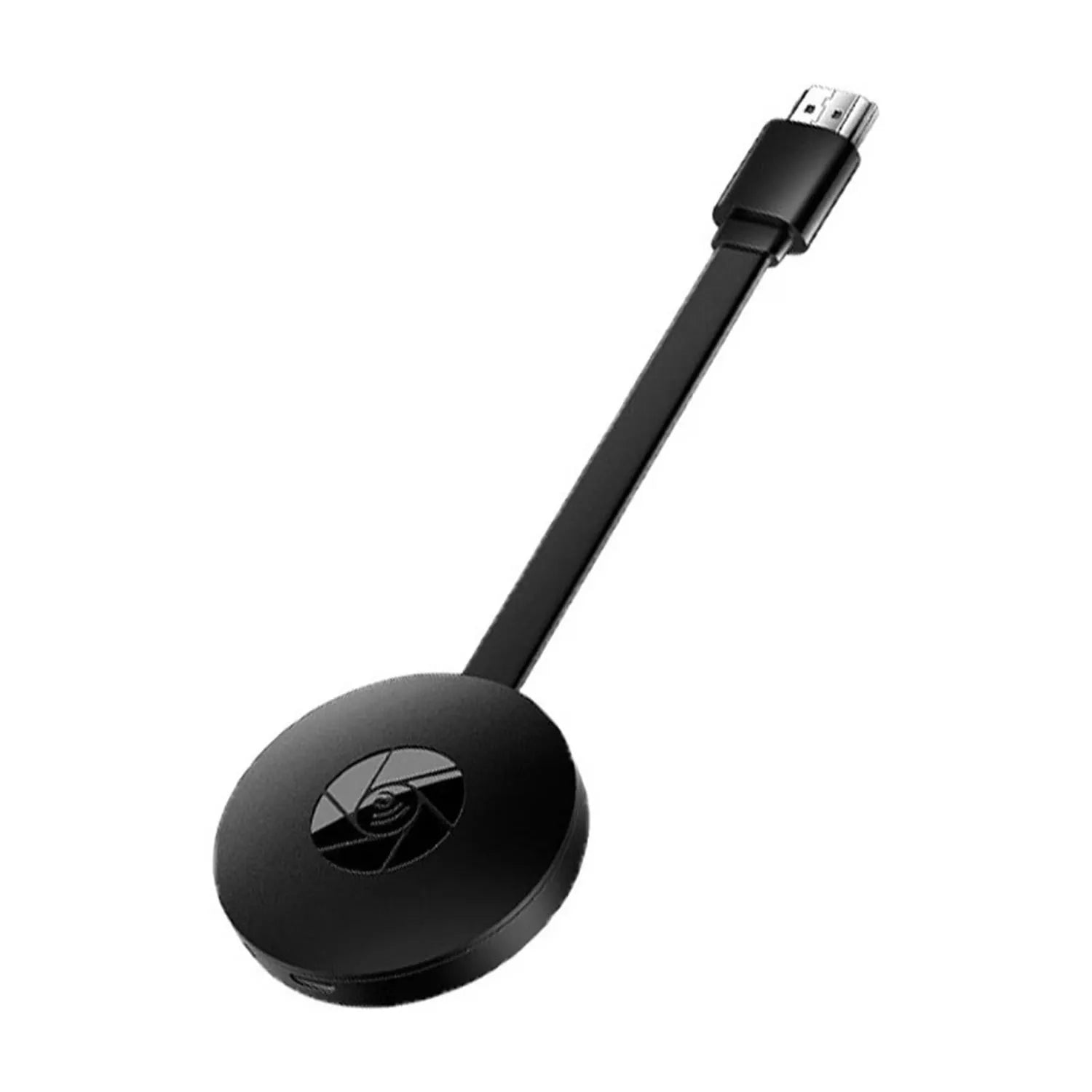
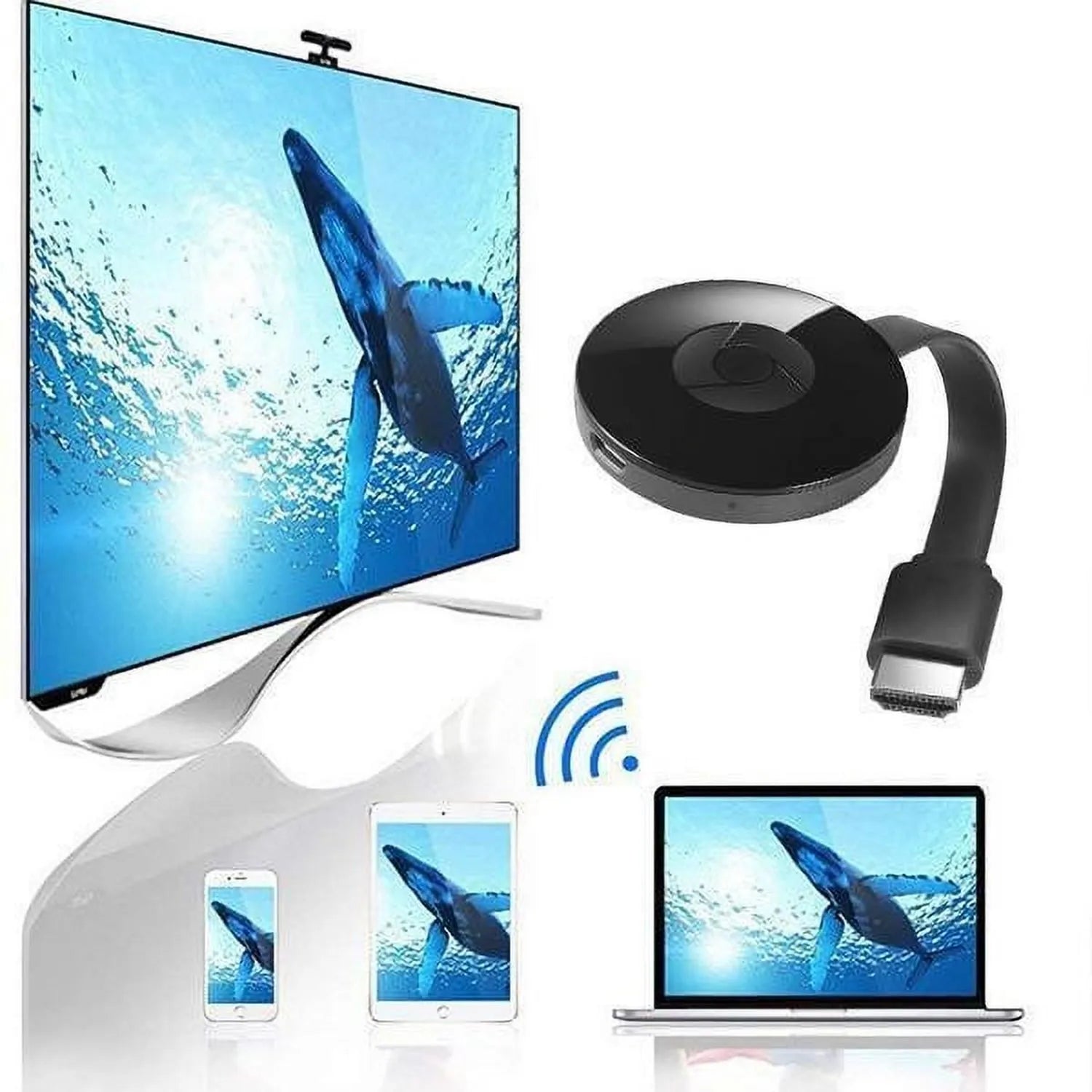
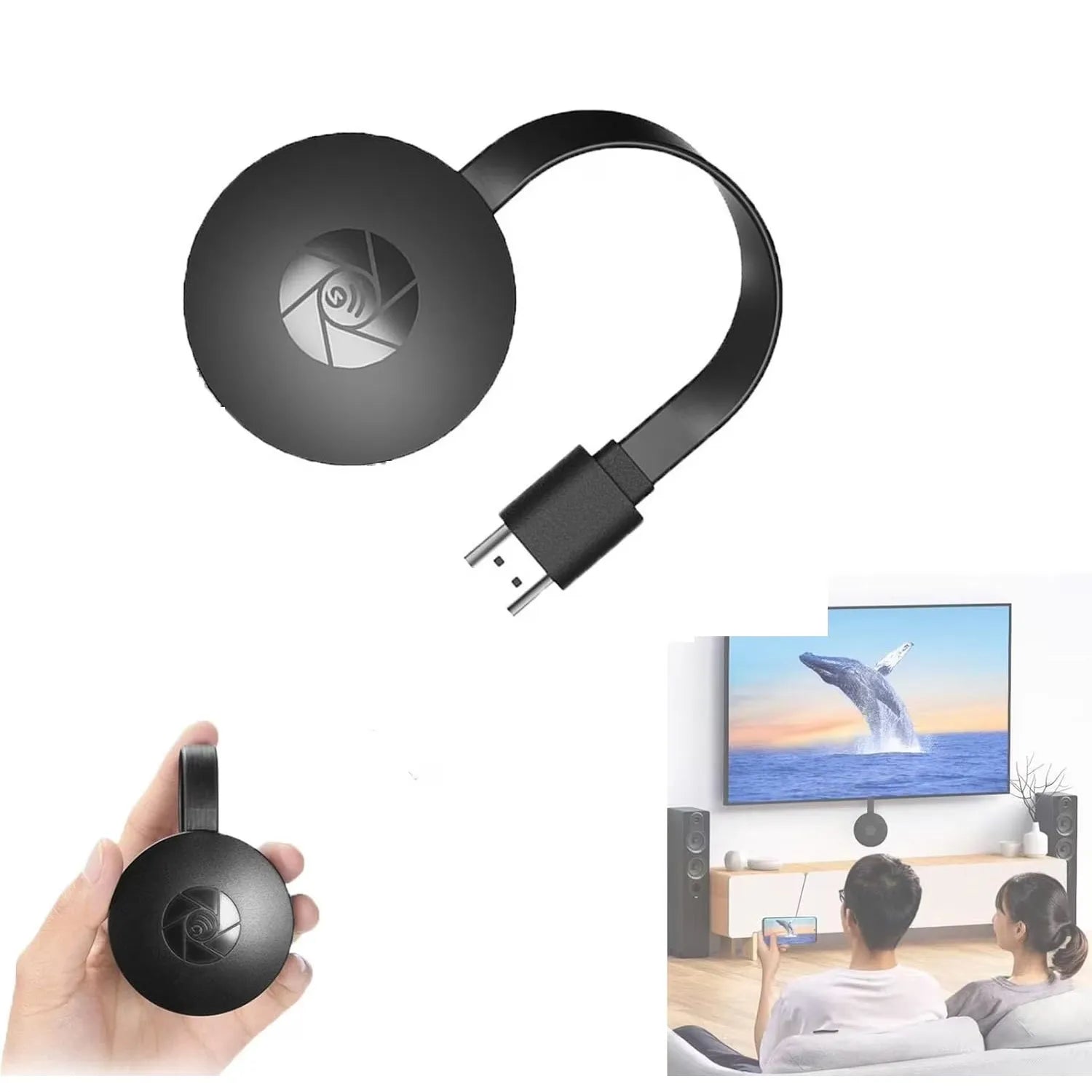
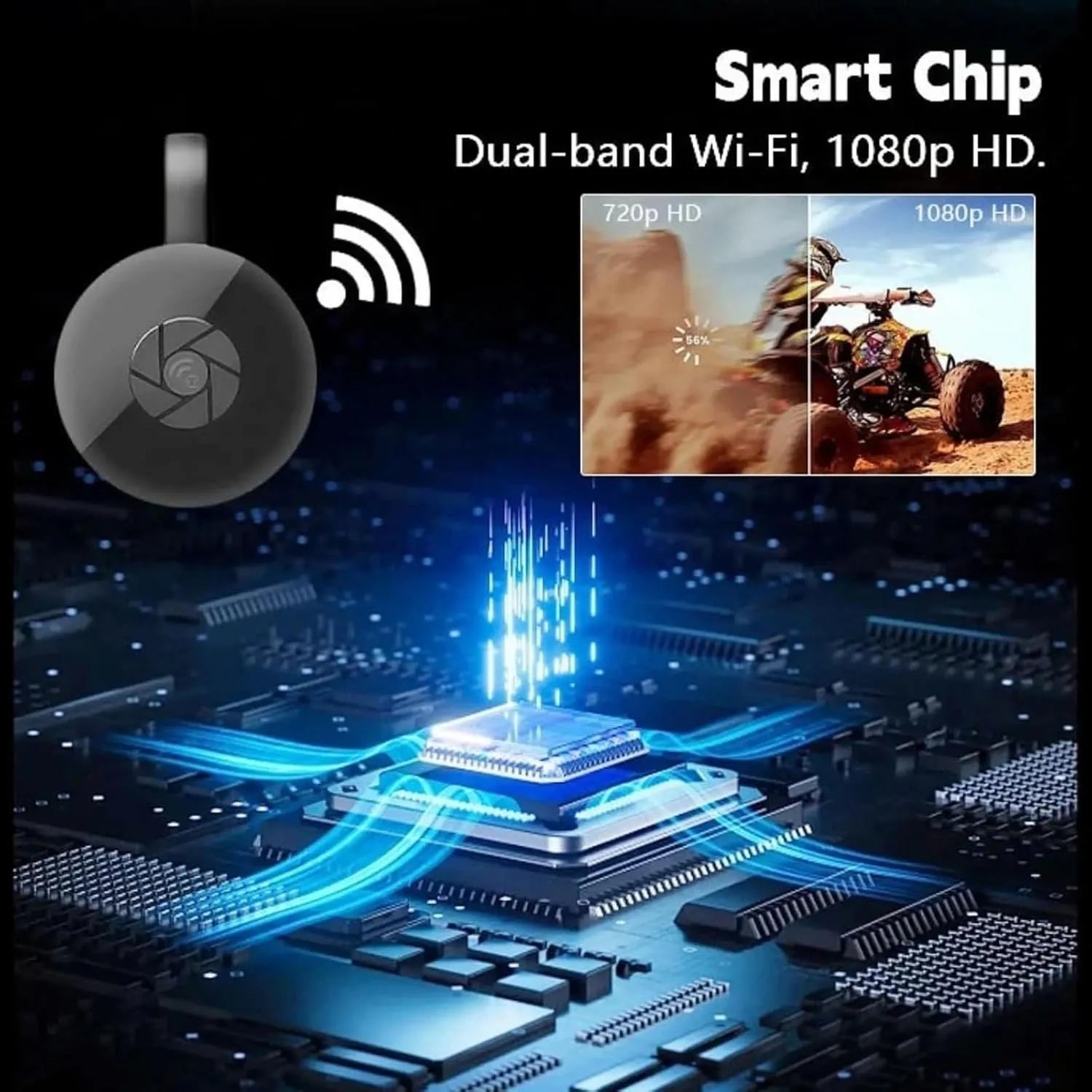
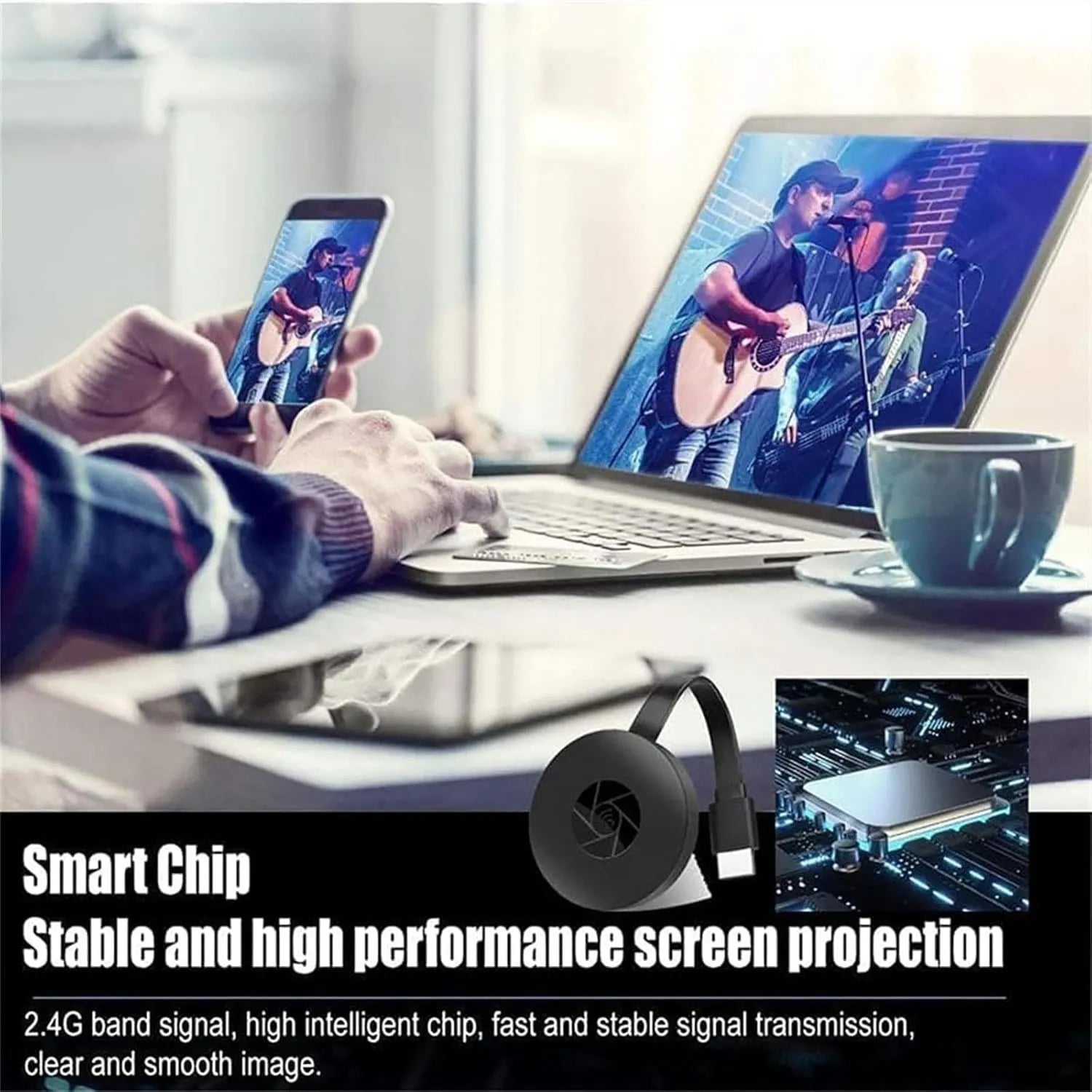
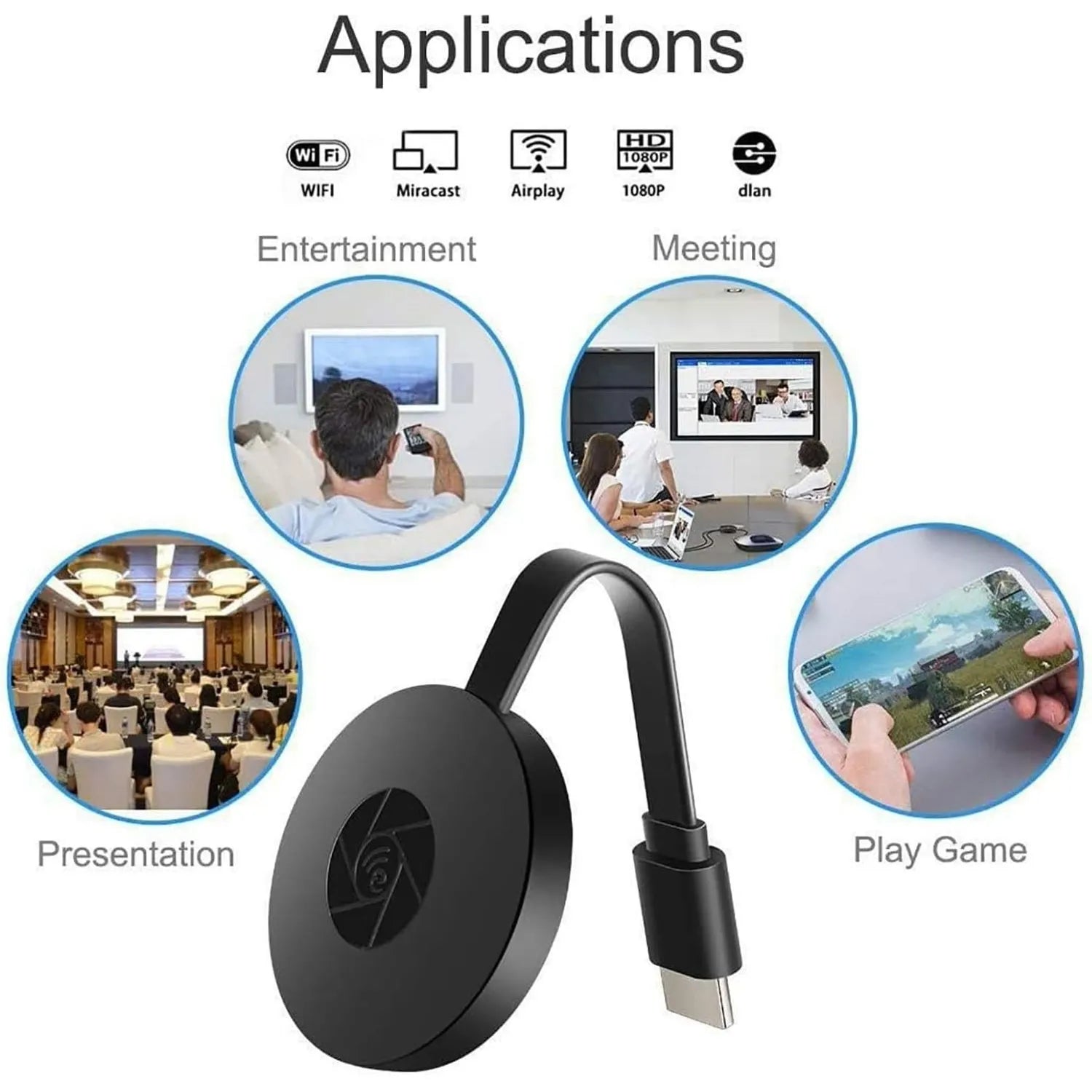
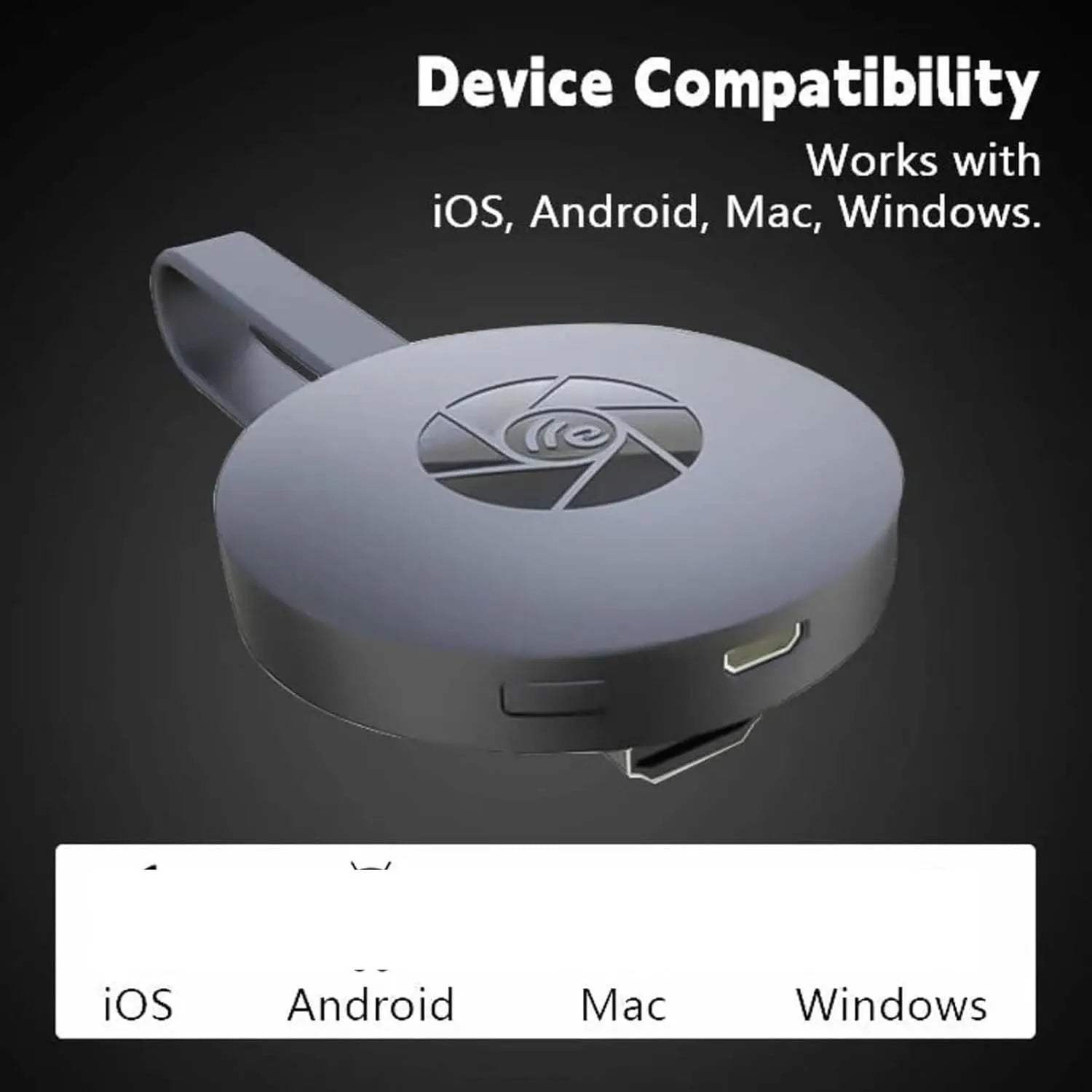
Wireless Screen Mirroring
Share photos, presentations, videos, and more from a compatible phone, tablet, or computer—without running a long cable across the room.
Mirror compatible devices to an HDMI-equipped TV, monitor, or projector.
Enjoy clear photos, presentations, and supported video content on a larger display.
A pocket-size receiver that is easy to move between home, office, and classroom screens.
Connect the adapter at the compatible phone or computer, attach power, select the correct display input, then follow the on-screen connection instructions.
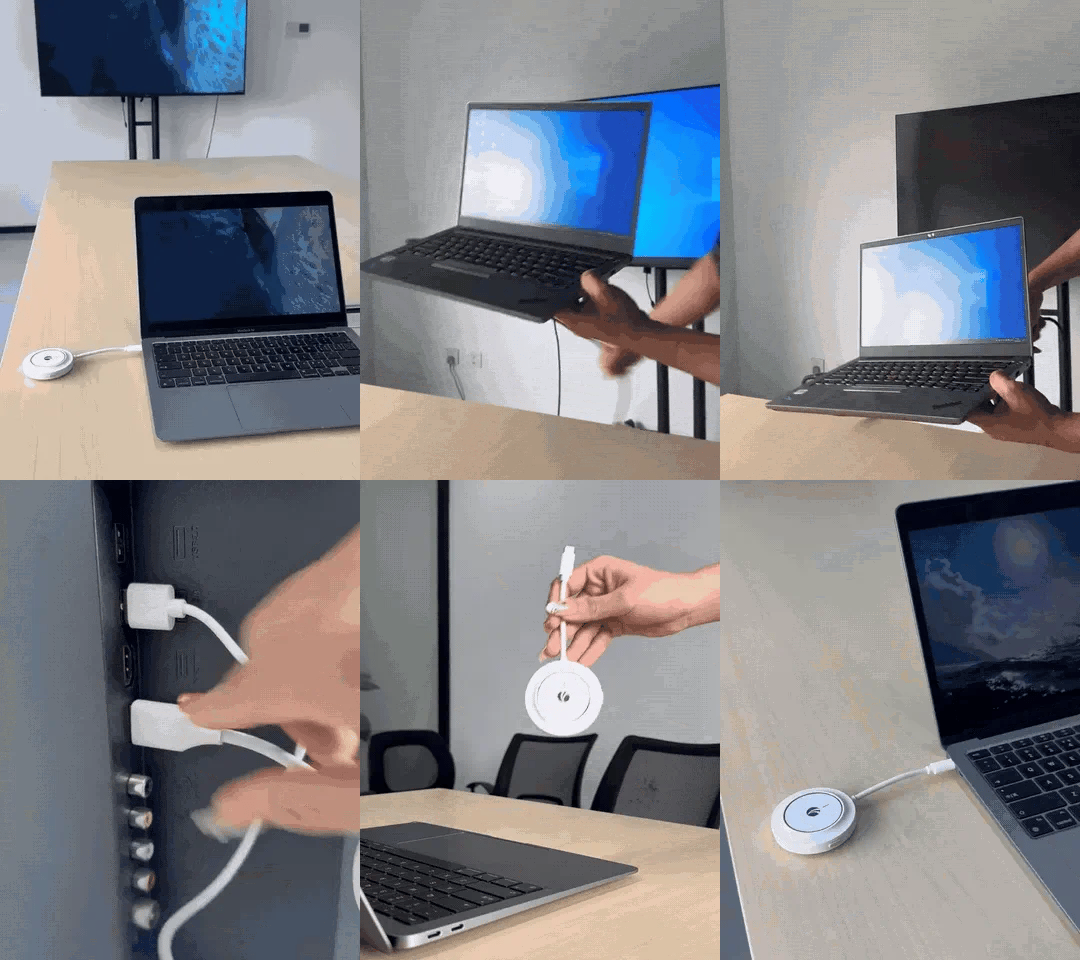
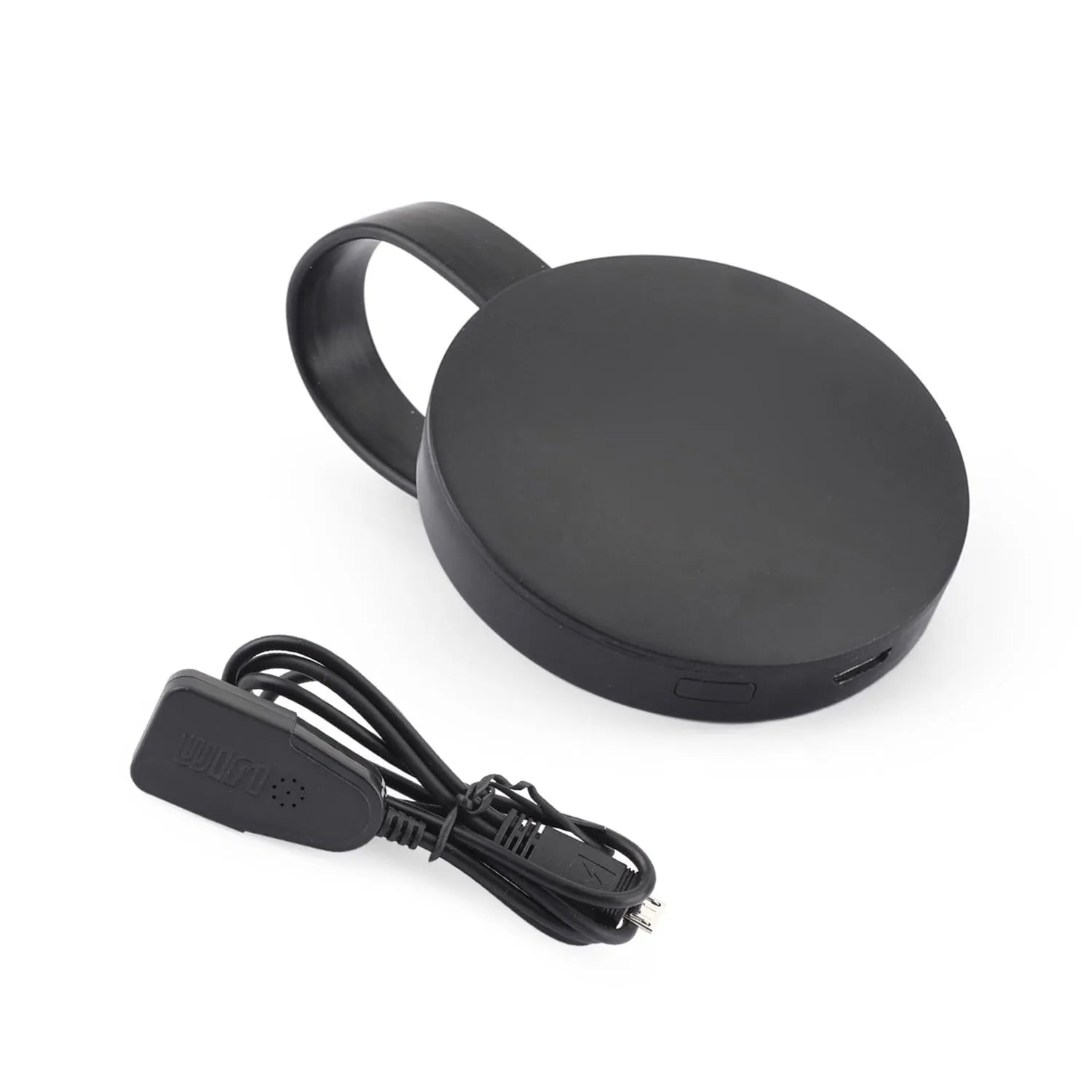
1 × G2 wireless display receiver with flexible HDMI lead
1 × external power/Wi-Fi lead
“I finally put our vacation photos on the TV instead of passing my phone around. Setup took a few minutes and the whole family could see.”
— Melissa R.
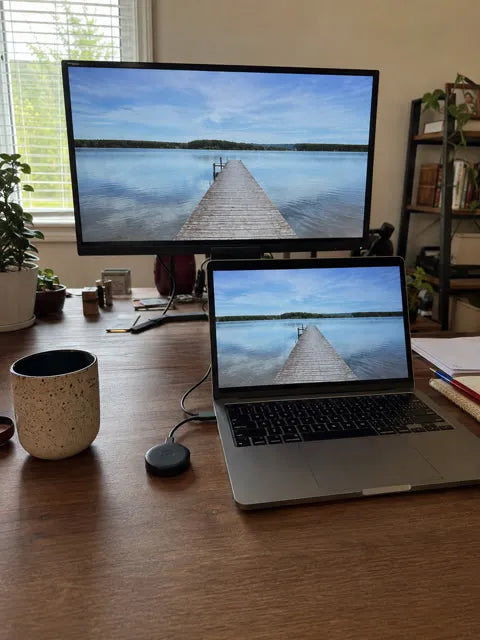
“Handy for sharing slides on the larger monitor in my home office. It keeps me from hunting for a different long cable every time.”
— Jason T.
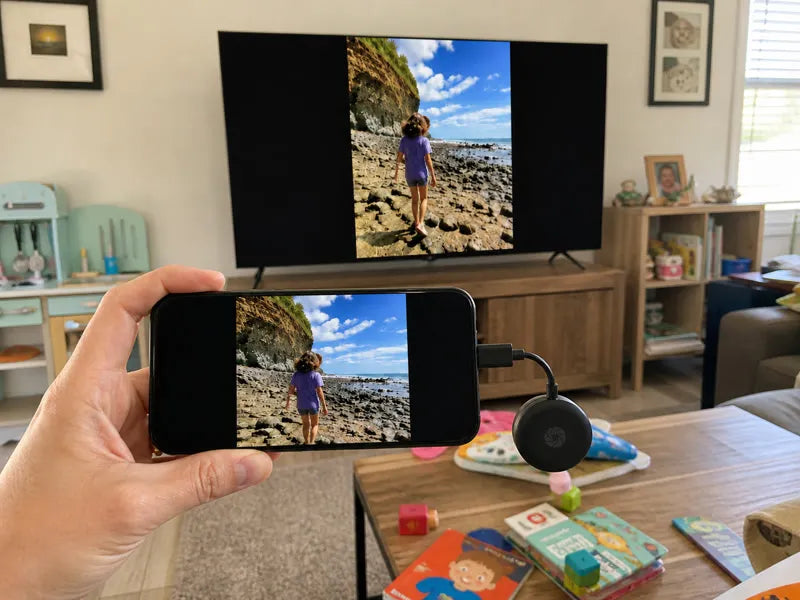
“Movie night feels more relaxed when I can put our own videos on the big screen and keep the phone nearby.”
— Ashley P.
“I brought it to our community meeting and used the projector without rearranging the whole room. Small enough to keep in my laptop bag.”
— Daniel C.

Yes. Connect the included external power lead to a suitable USB power source.
Use an HDMI-equipped TV, monitor, or projector with an available HDMI input.
Not necessarily. Some subscription apps use content protection that can restrict screen mirroring.
Confirm the correct HDMI input is selected, check power and cable connections, and follow the receiver’s on-screen setup instructions.
A compact way to bring the content you already have to the screen everyone can see.
Your estimated arrival is calculated from today's date and normally falls within 10–15 days. Buy any 2 merchandise items to unlock free worldwide shipping automatically.
If something is not right, contact us with your order number. Eligibility and time limits are explained in our returns and refunds policy.
After dispatch, we email the carrier and tracking link. Use our Track Order page for the latest shipment update, or contact support with your order number if a scan is delayed.
COMPLETE THE SCENE

Compare outdoor glow, party-ready décor and playful pieces that create an instant seasonal focal point.

Browse tree lights, mantel accents and giftable décor selected to make Christmas spaces feel finished.
Carregando