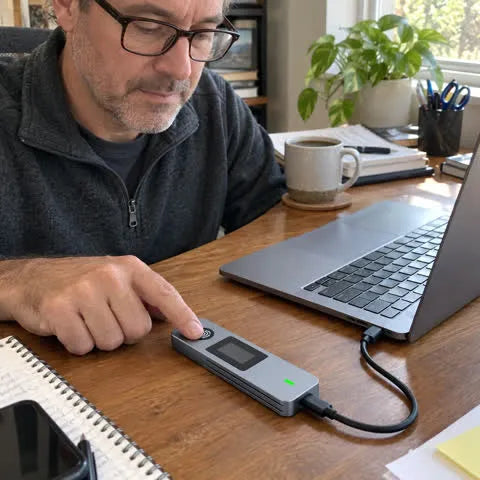
“Setup was straightforward, and using my fingerprint feels much faster than dealing with another password every time I need a file.”
Michael R.
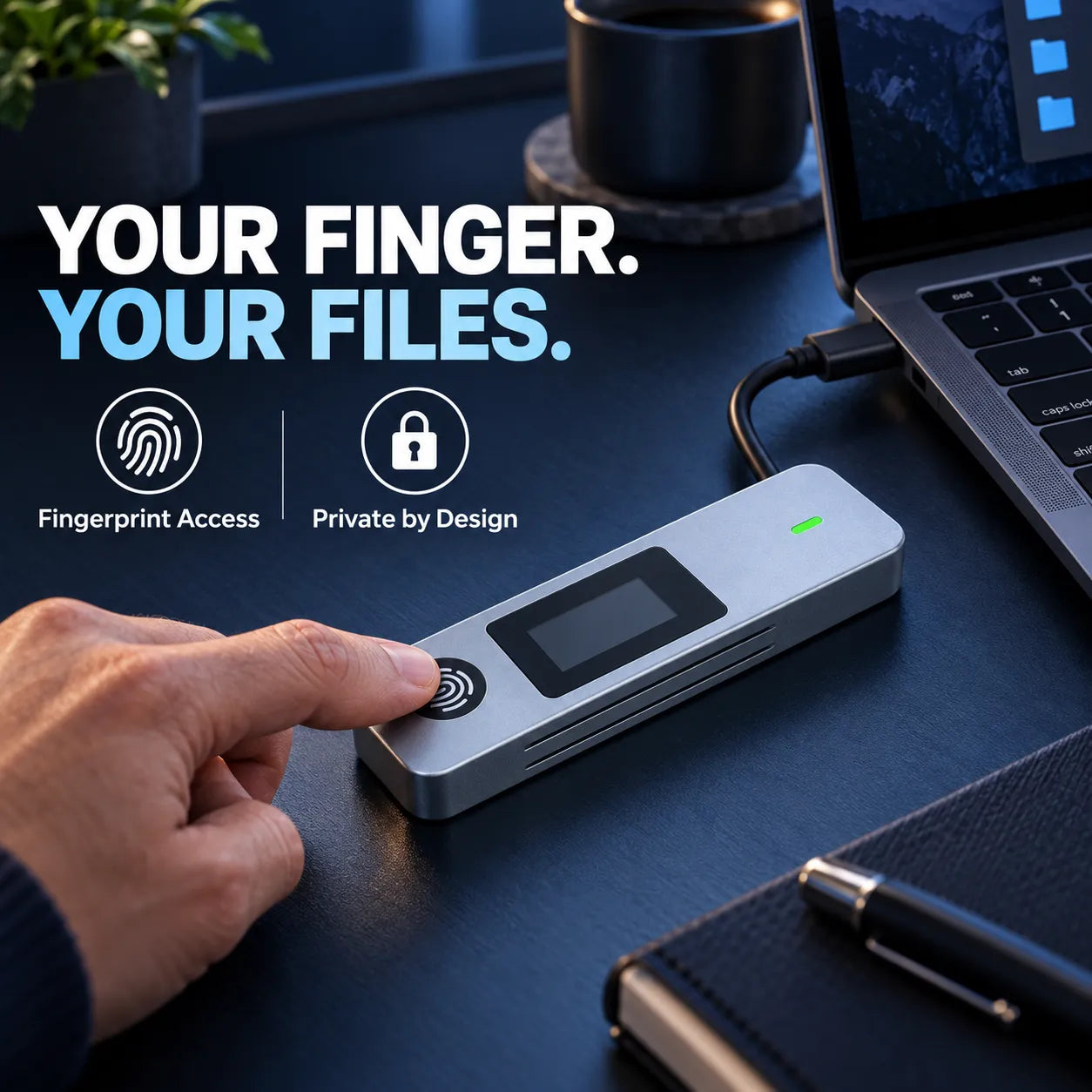
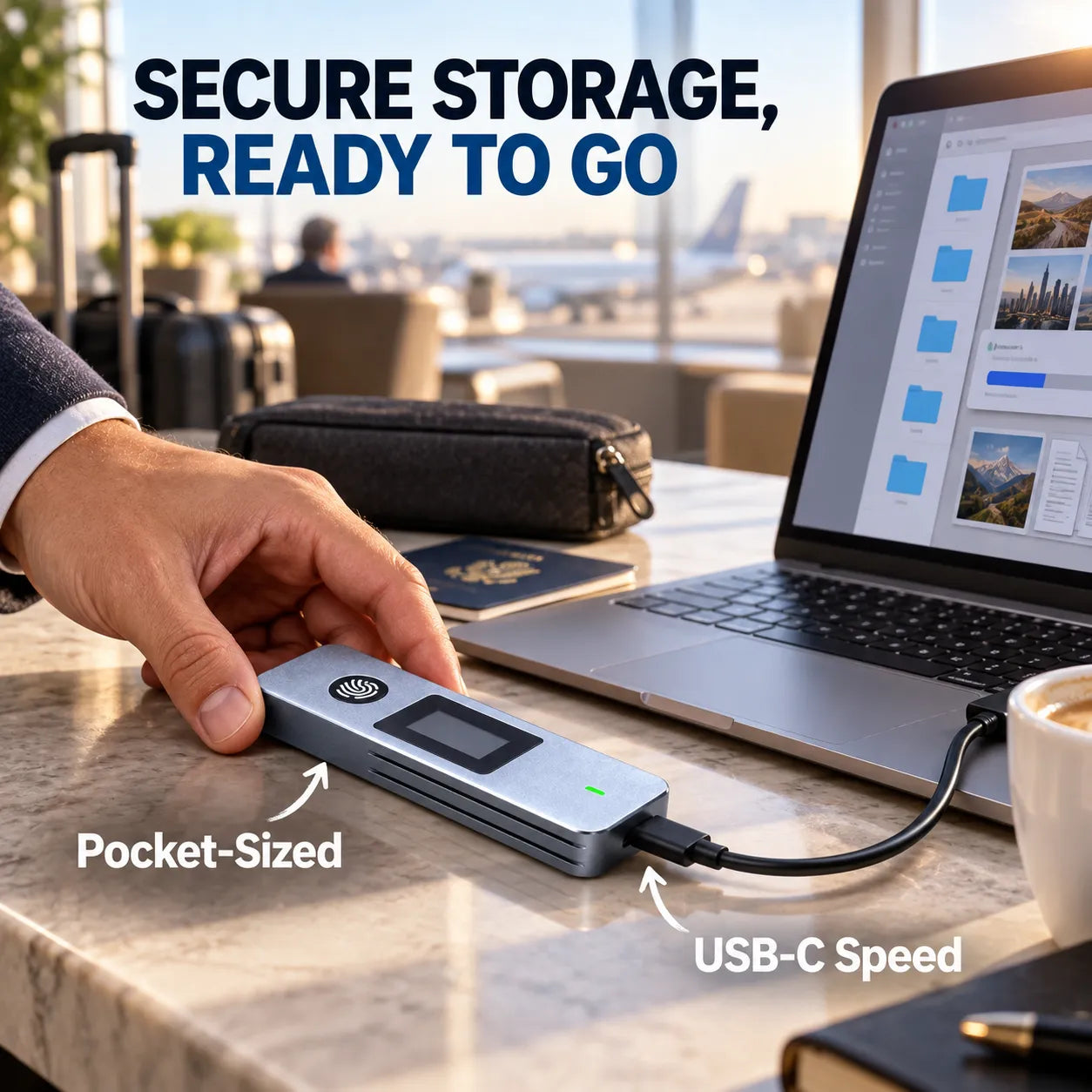
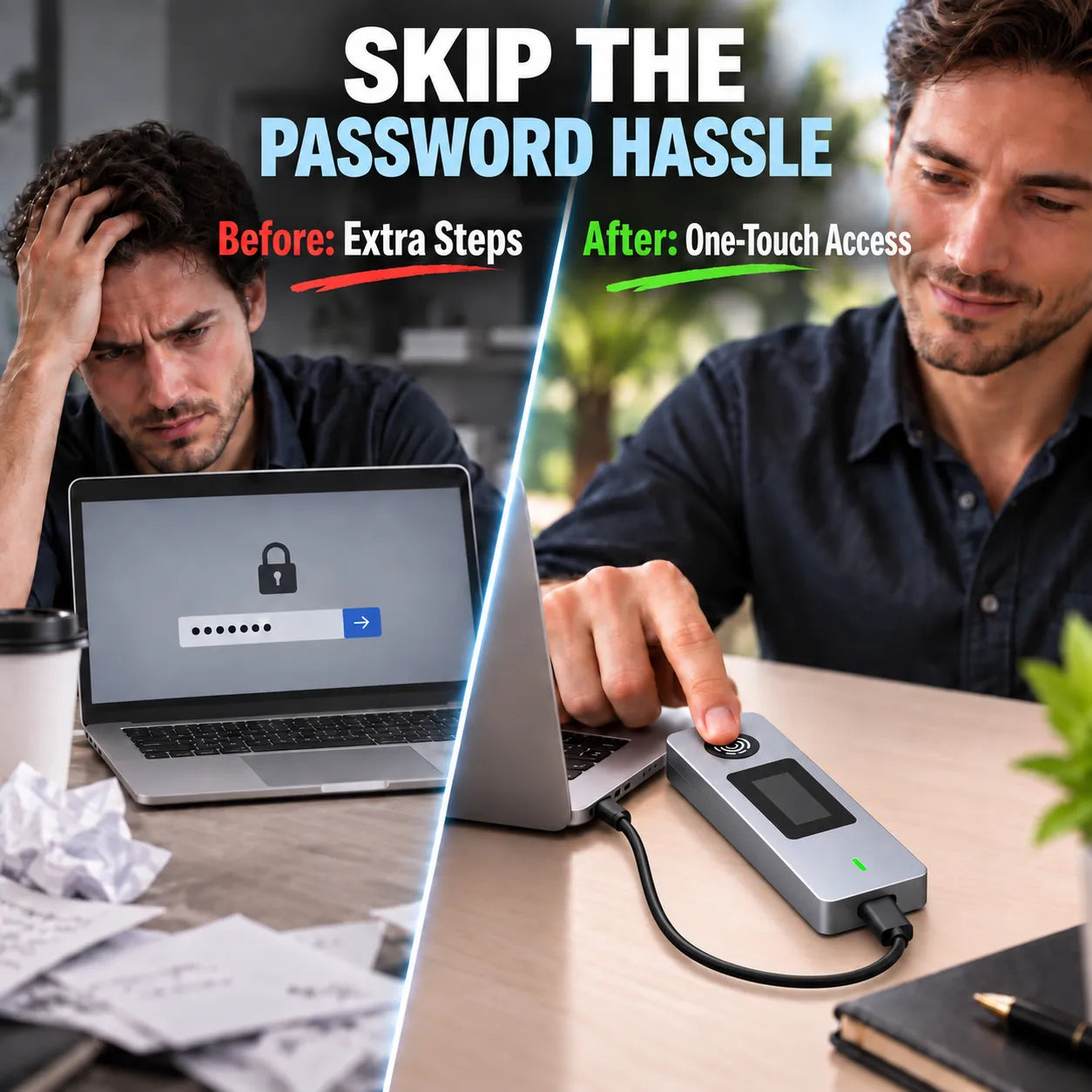
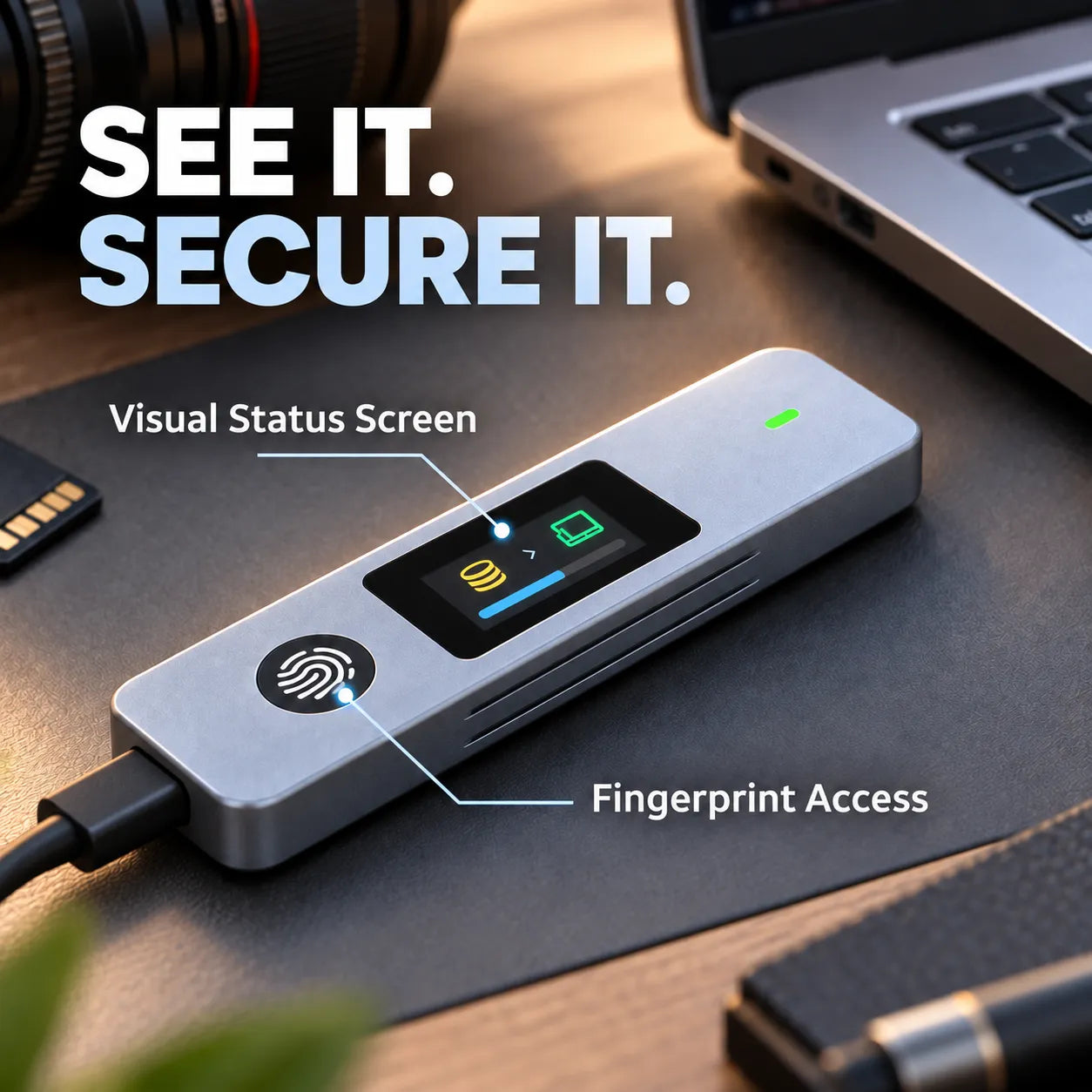
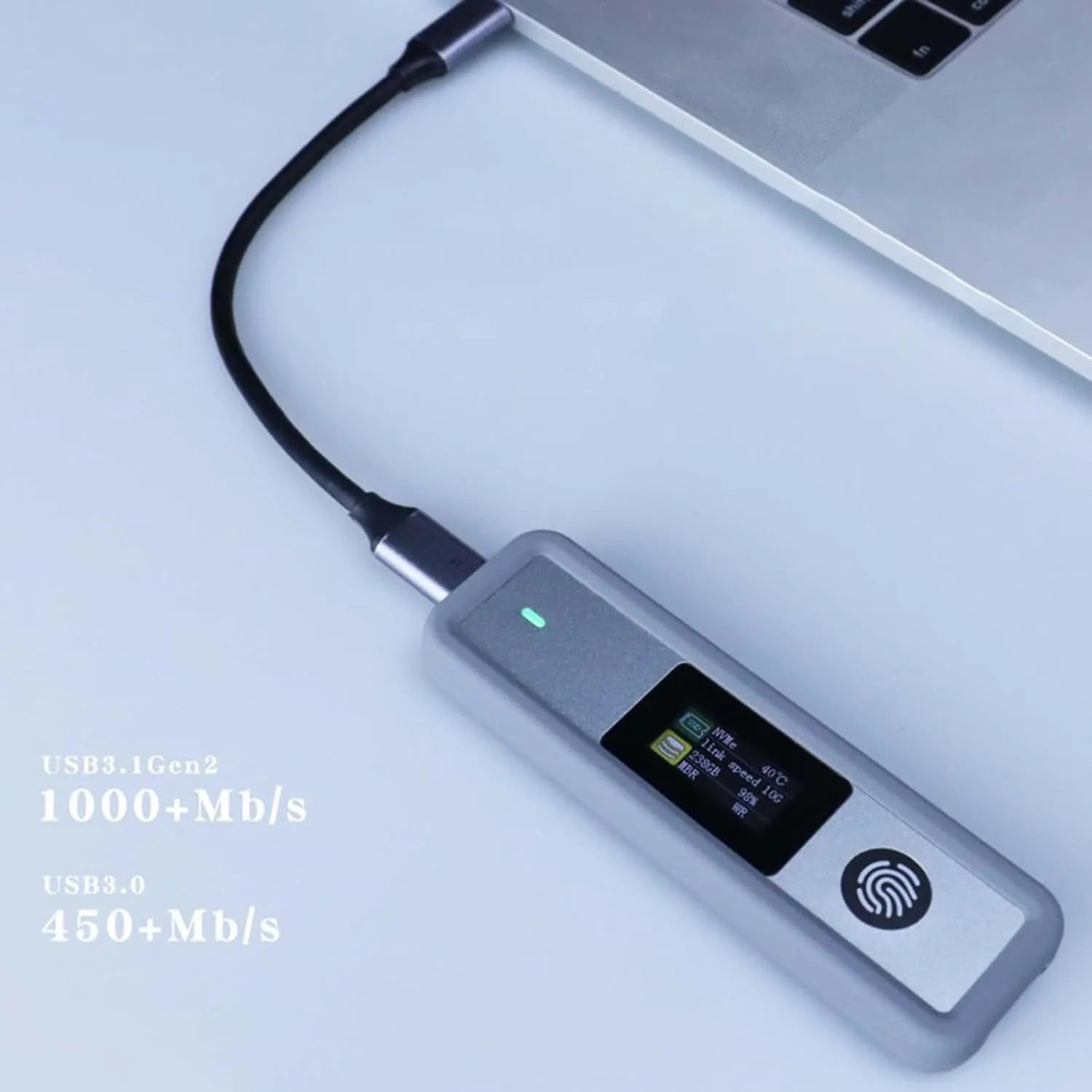
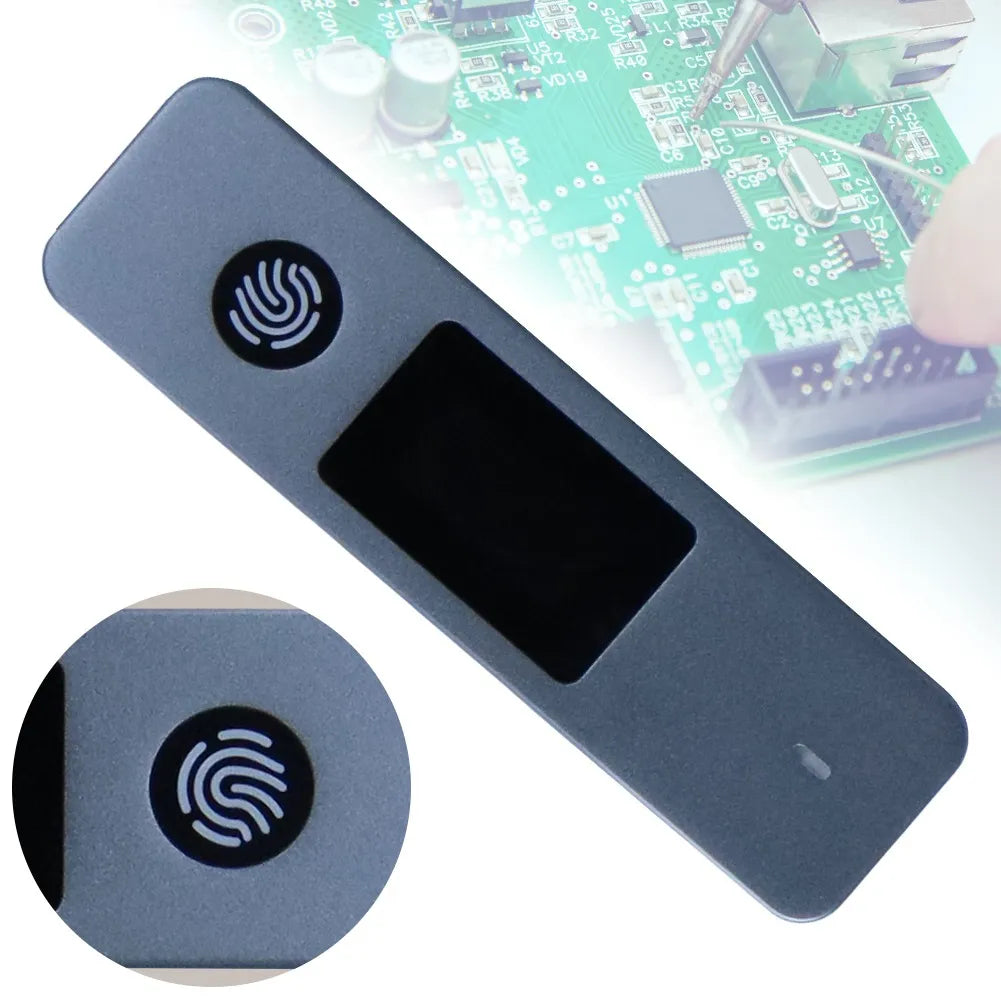
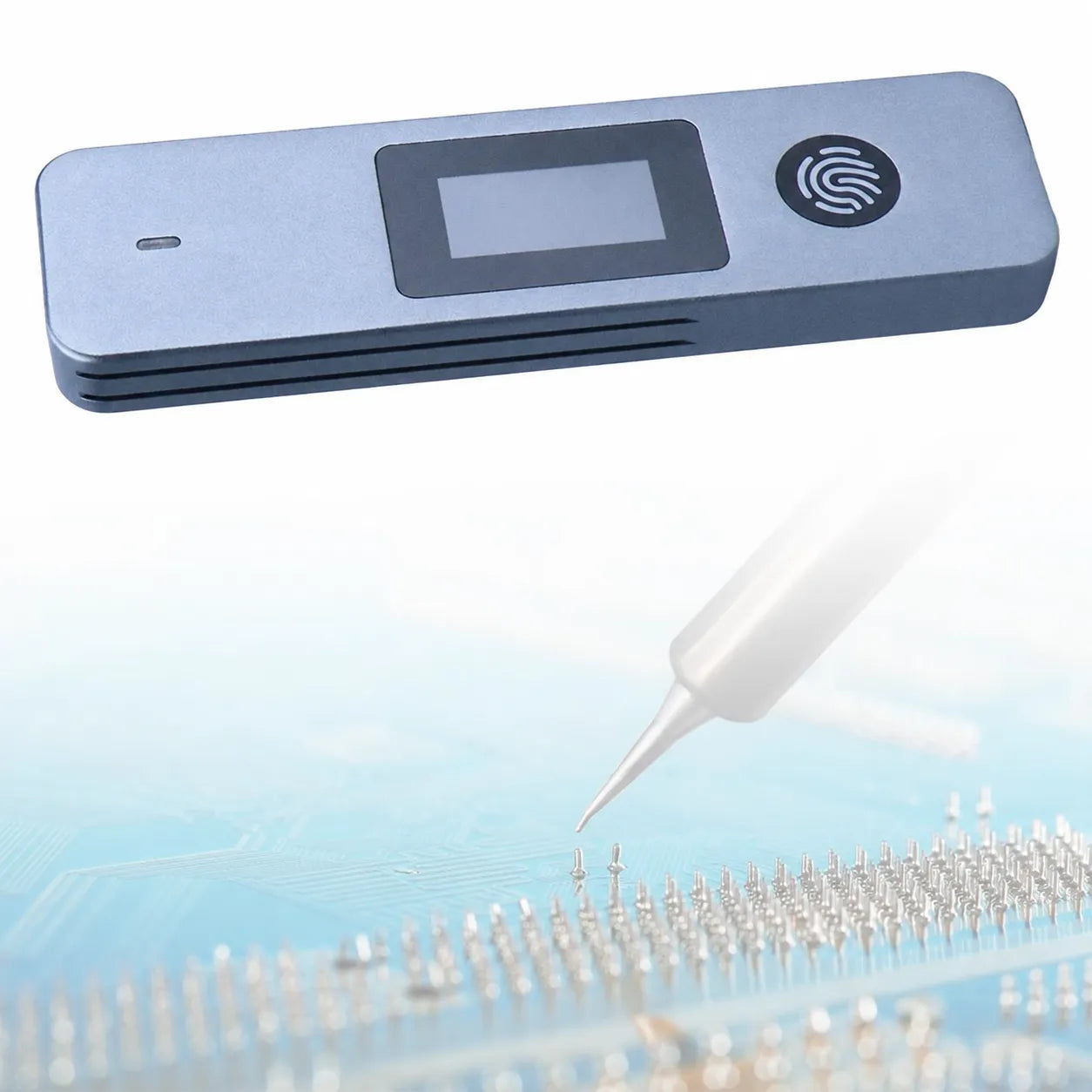
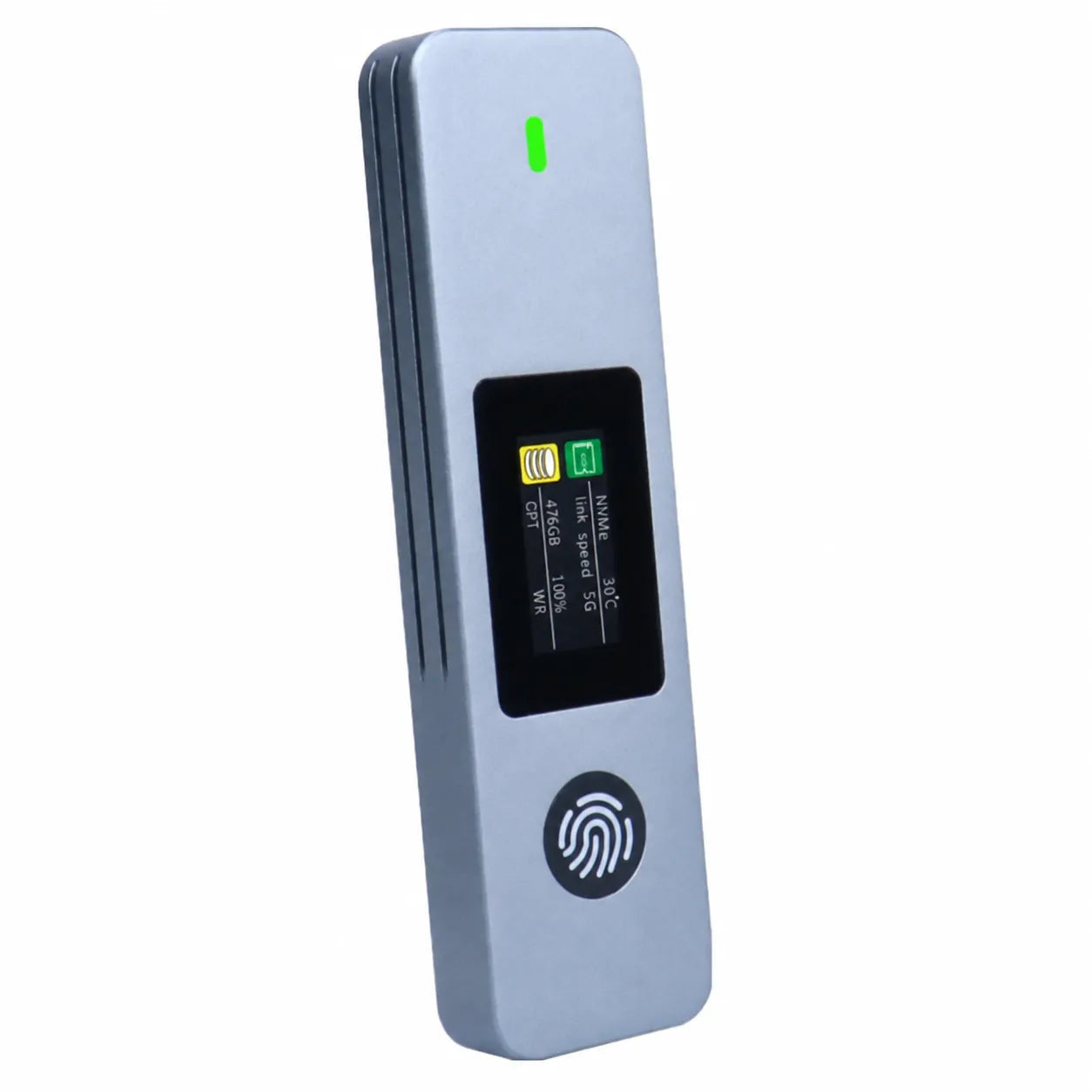
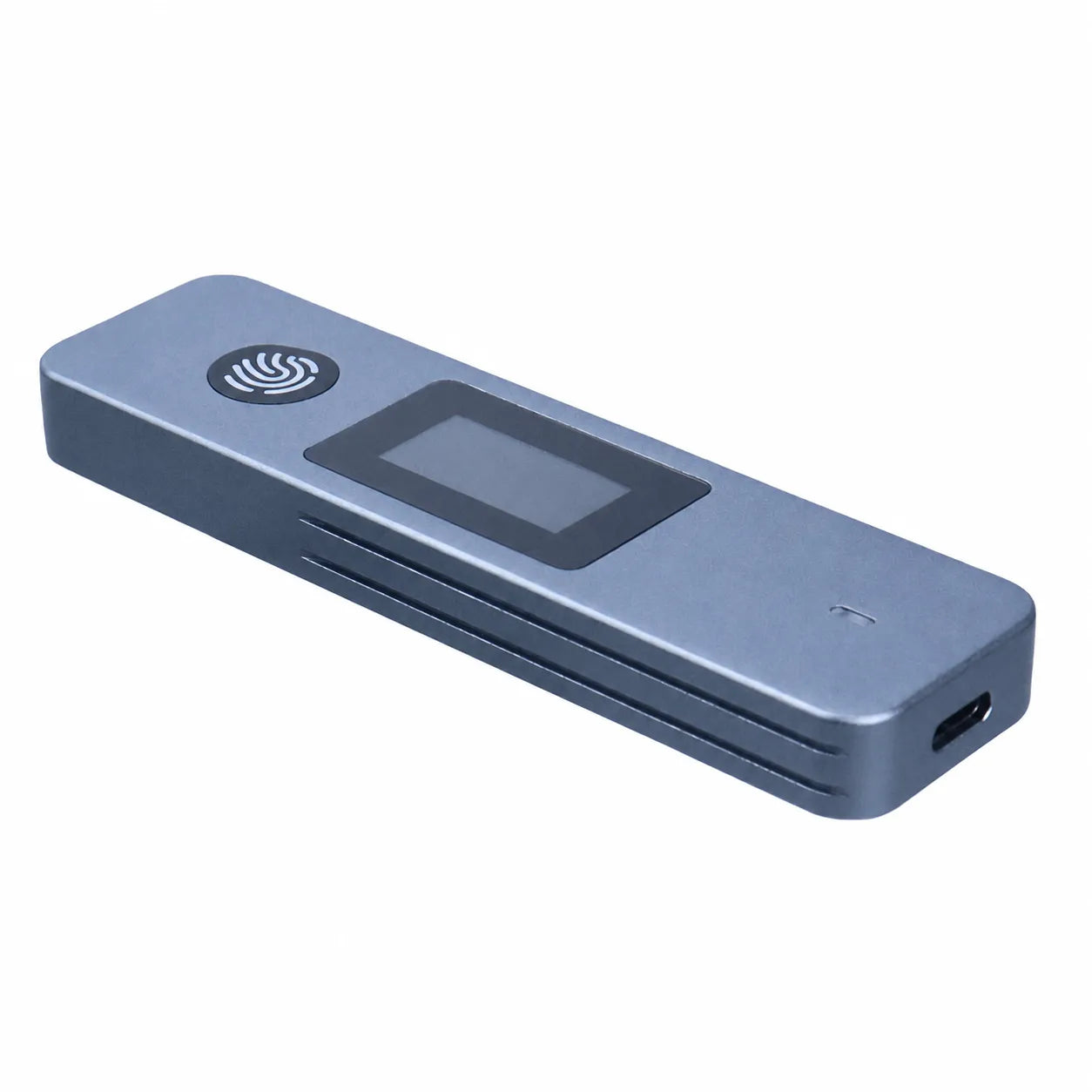
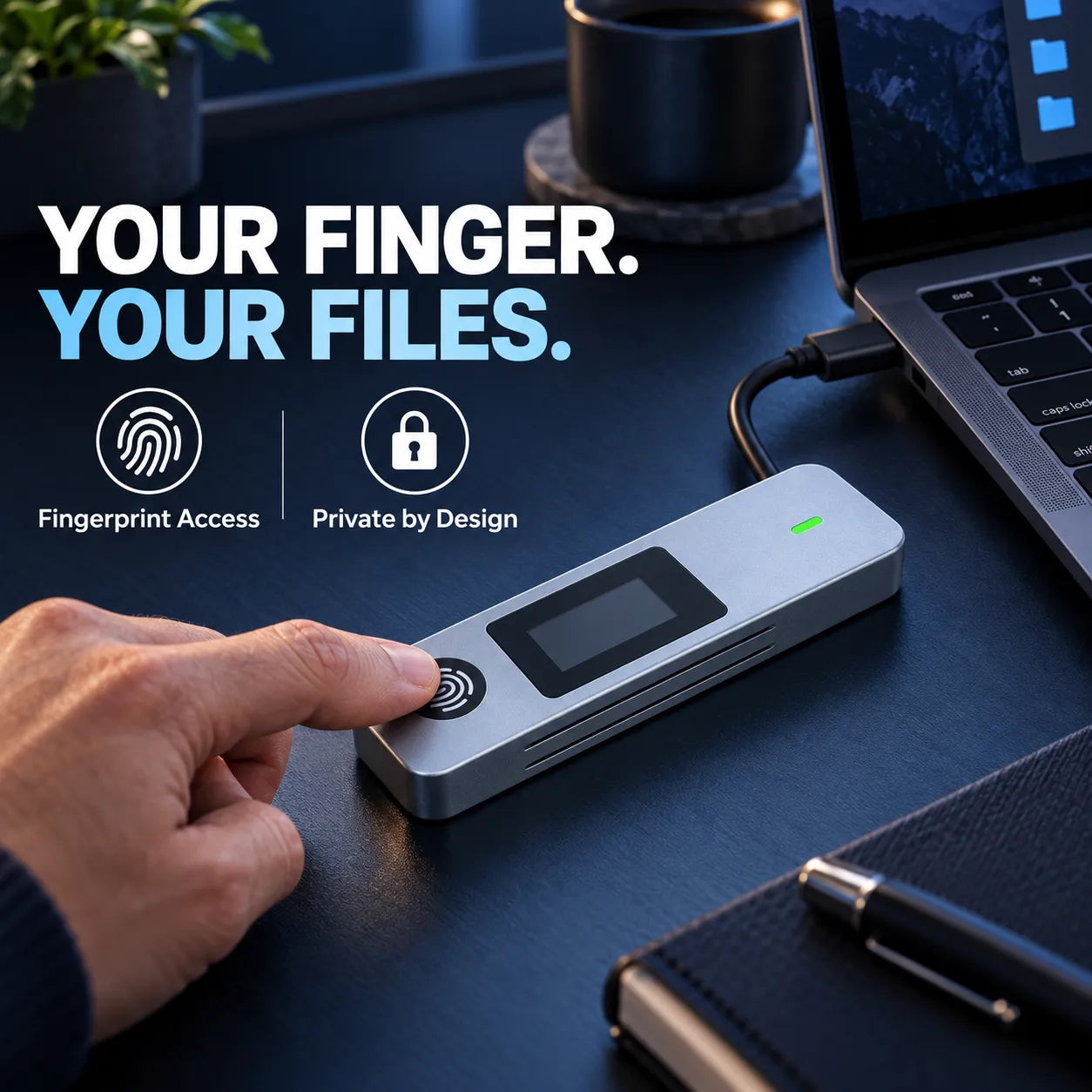
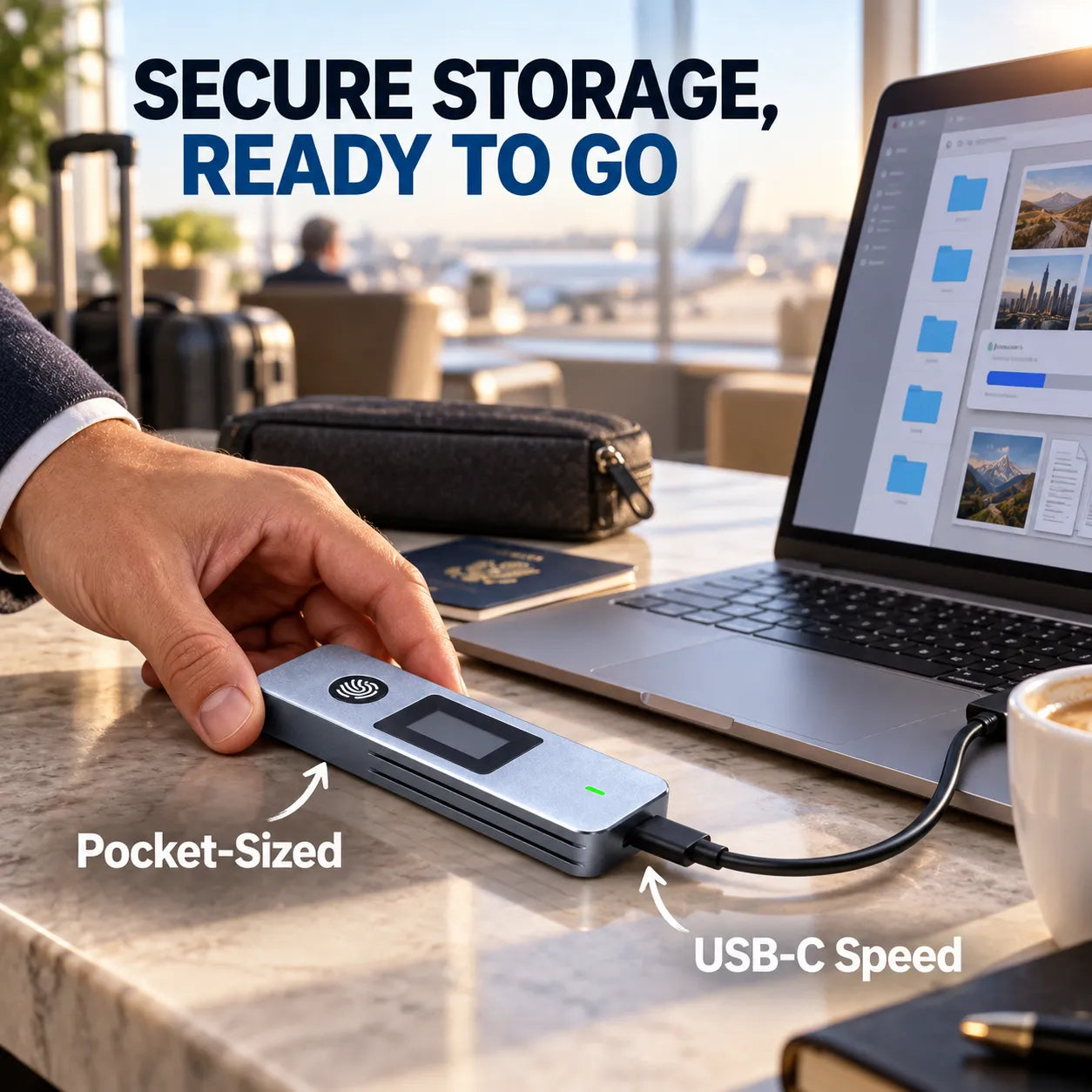
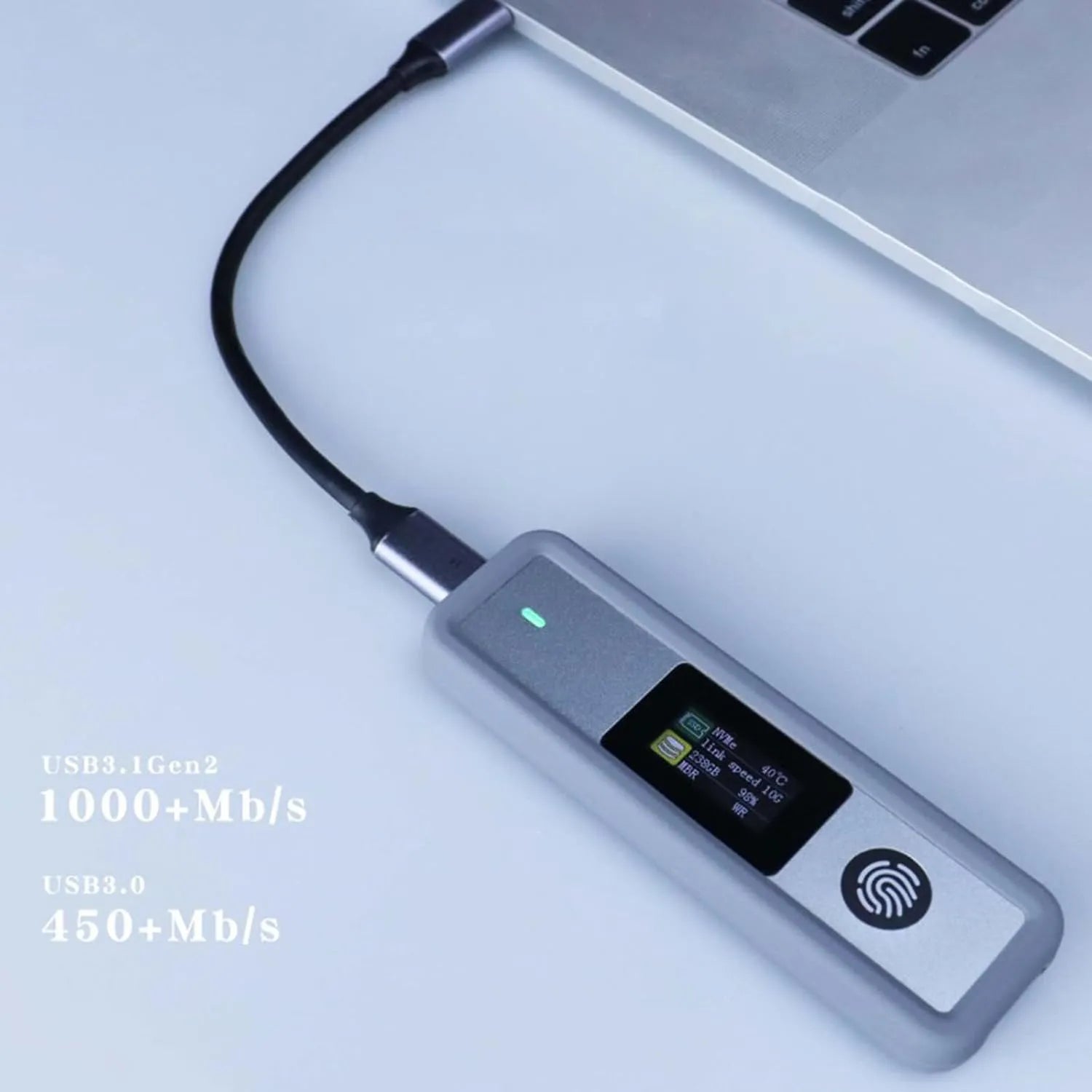
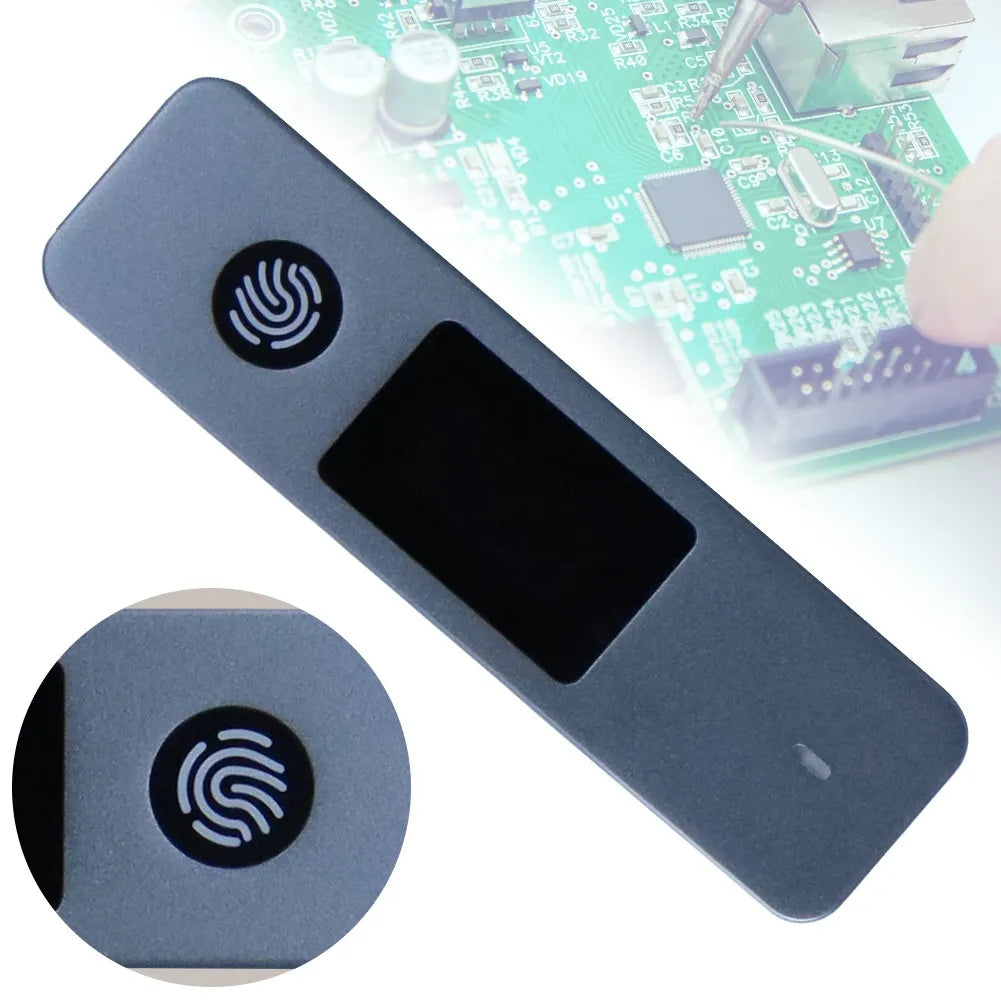
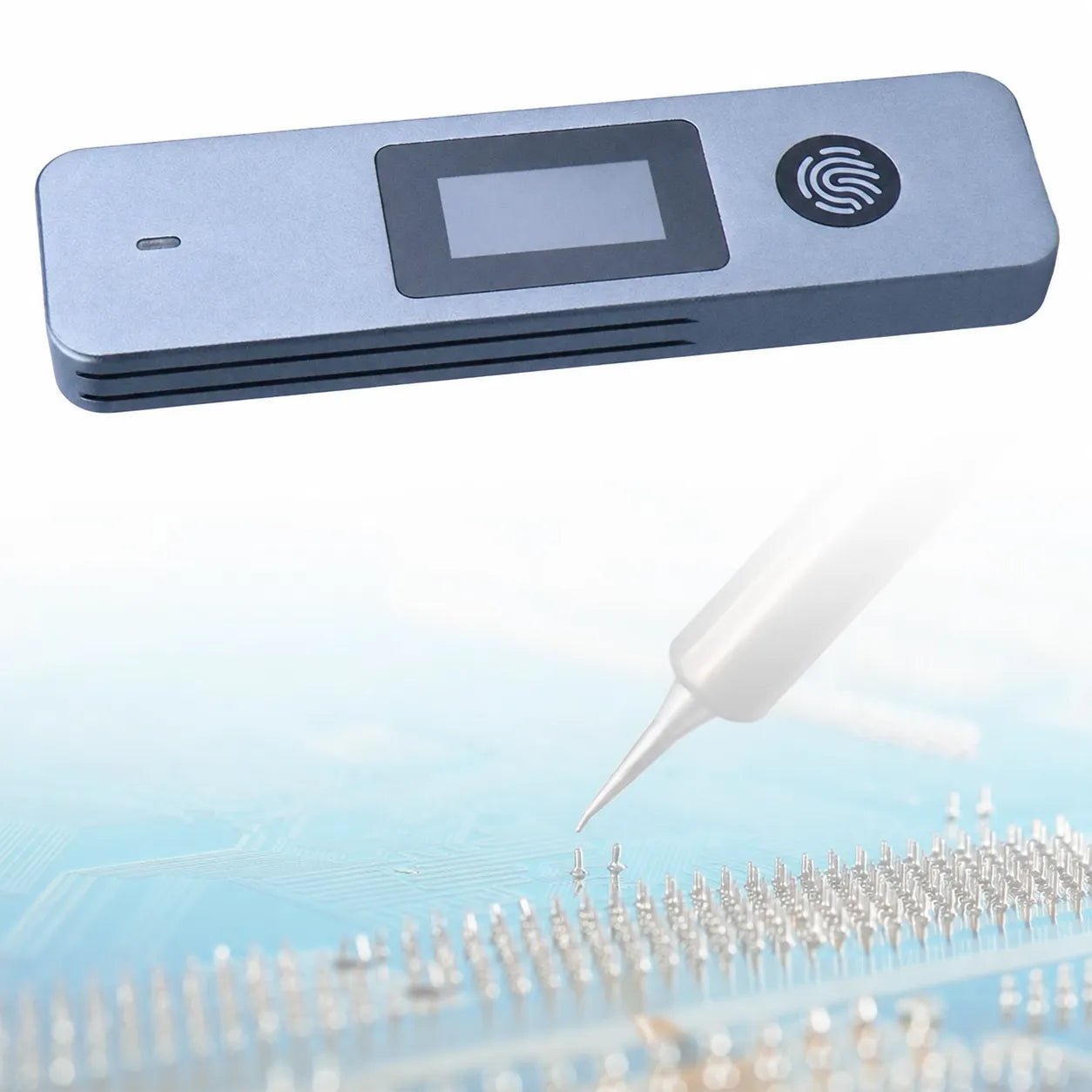
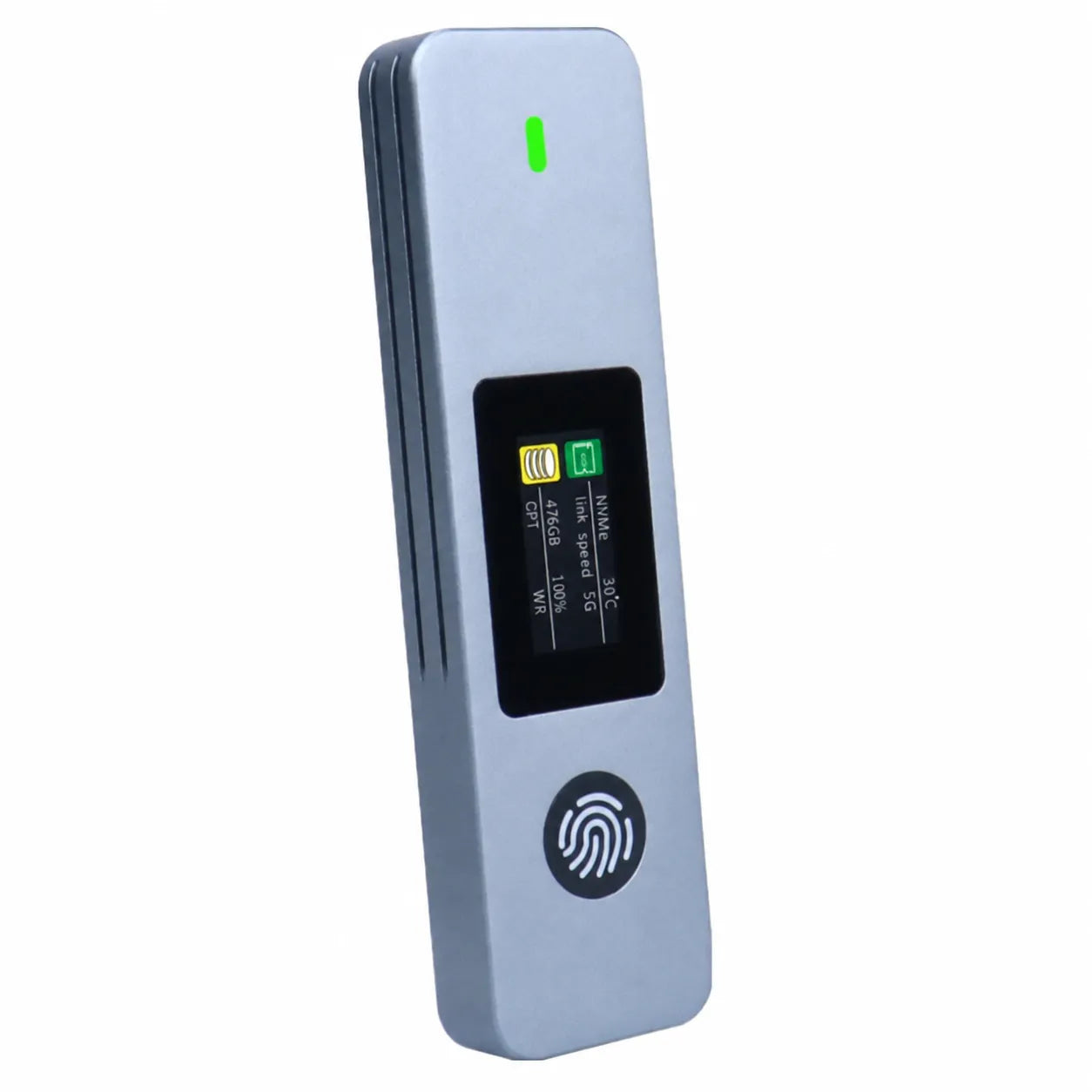
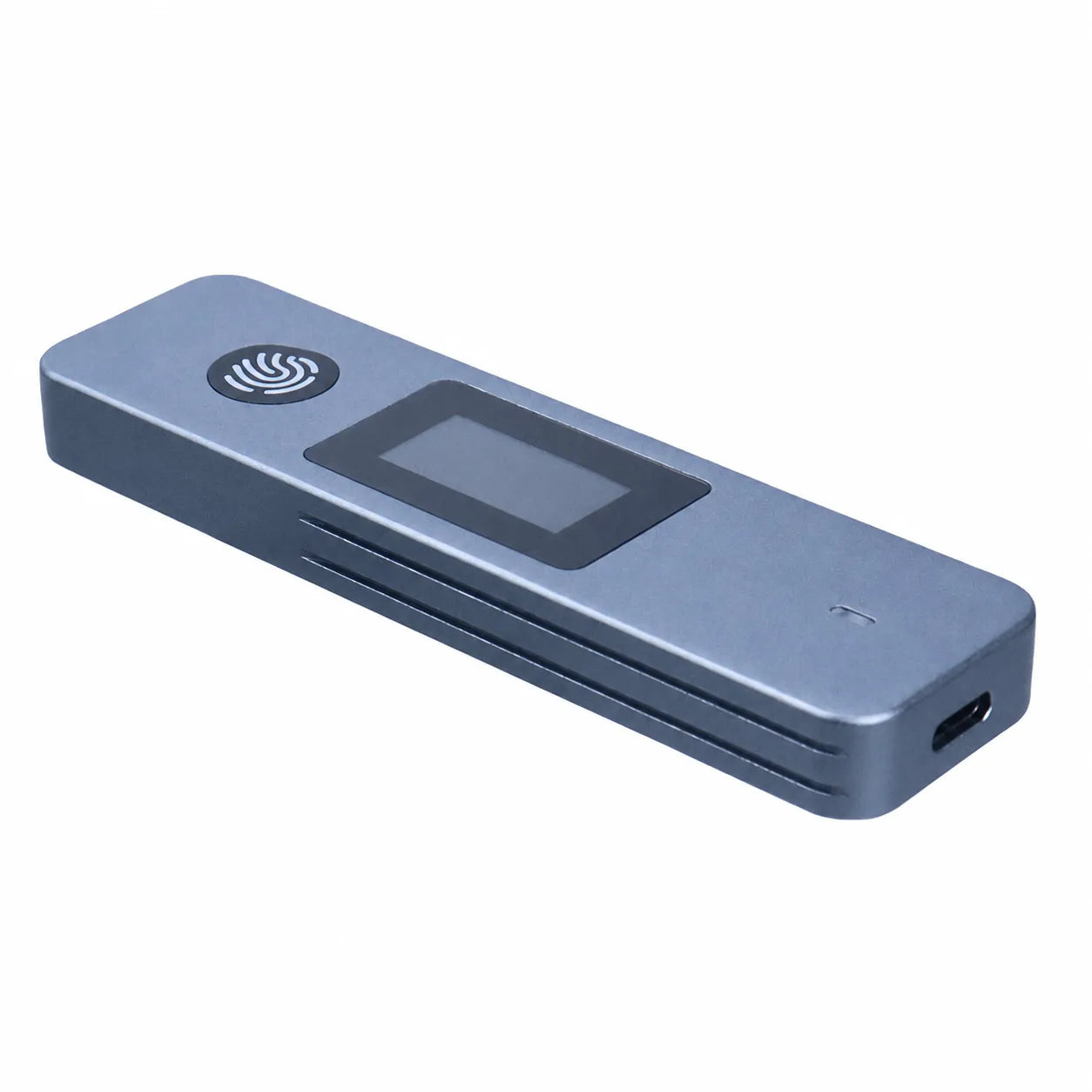
SecureTouch brings fingerprint access, a built-in visual status screen, and convenient USB-C connectivity to your compatible M.2 SSD—inside a slim aluminum enclosure built for everyday carry.

Use your fingerprint for a more personal, convenient way to open your stored files.
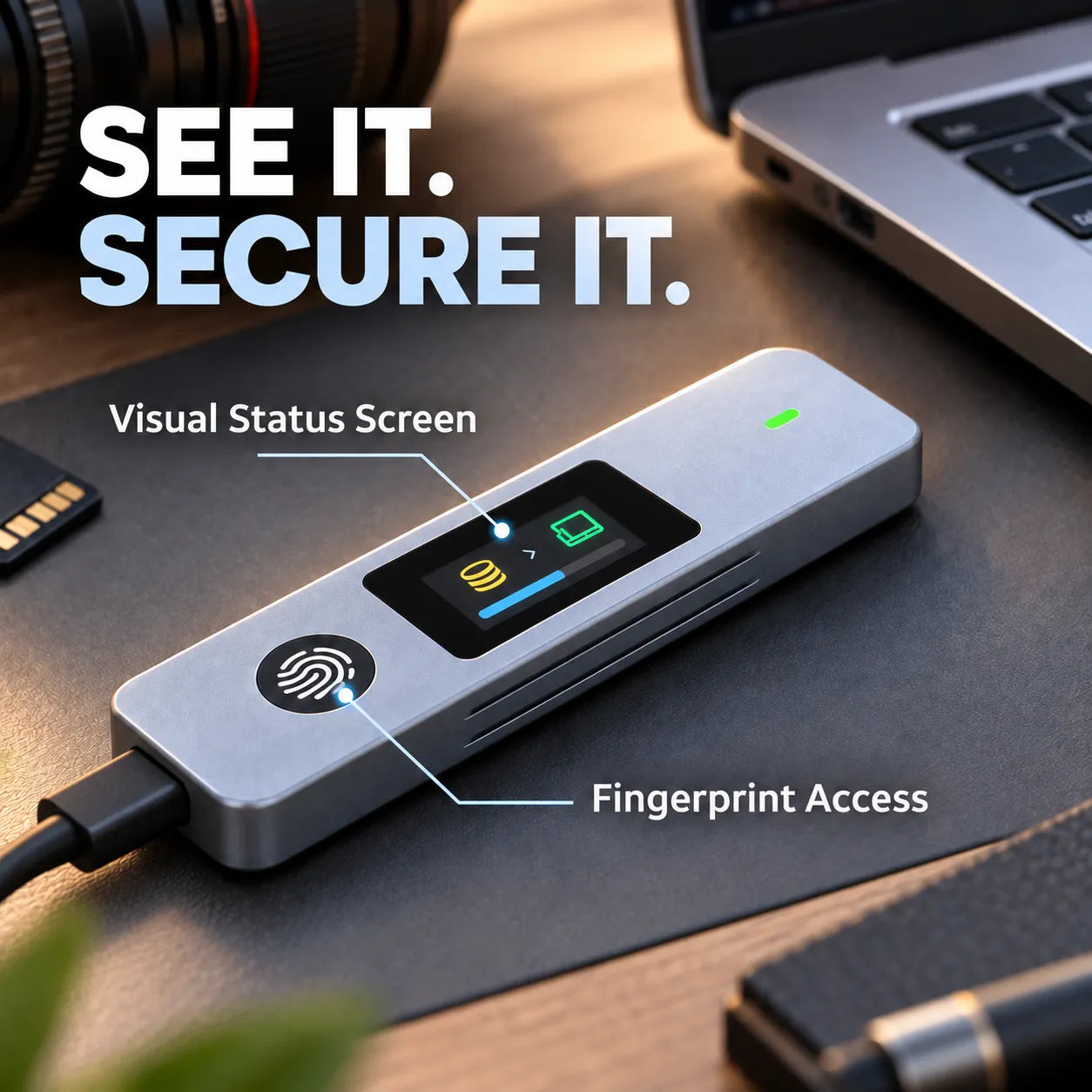
Get useful at-a-glance feedback directly on the enclosure while you use it.
Move large work, photo, and media folders without the drag of older storage connections.
A slim aluminum body protects your drive without turning your tech pouch into a toolbox.
The built-in screen puts key status information where you can see it, while the fingerprint sensor keeps access simple and personal.
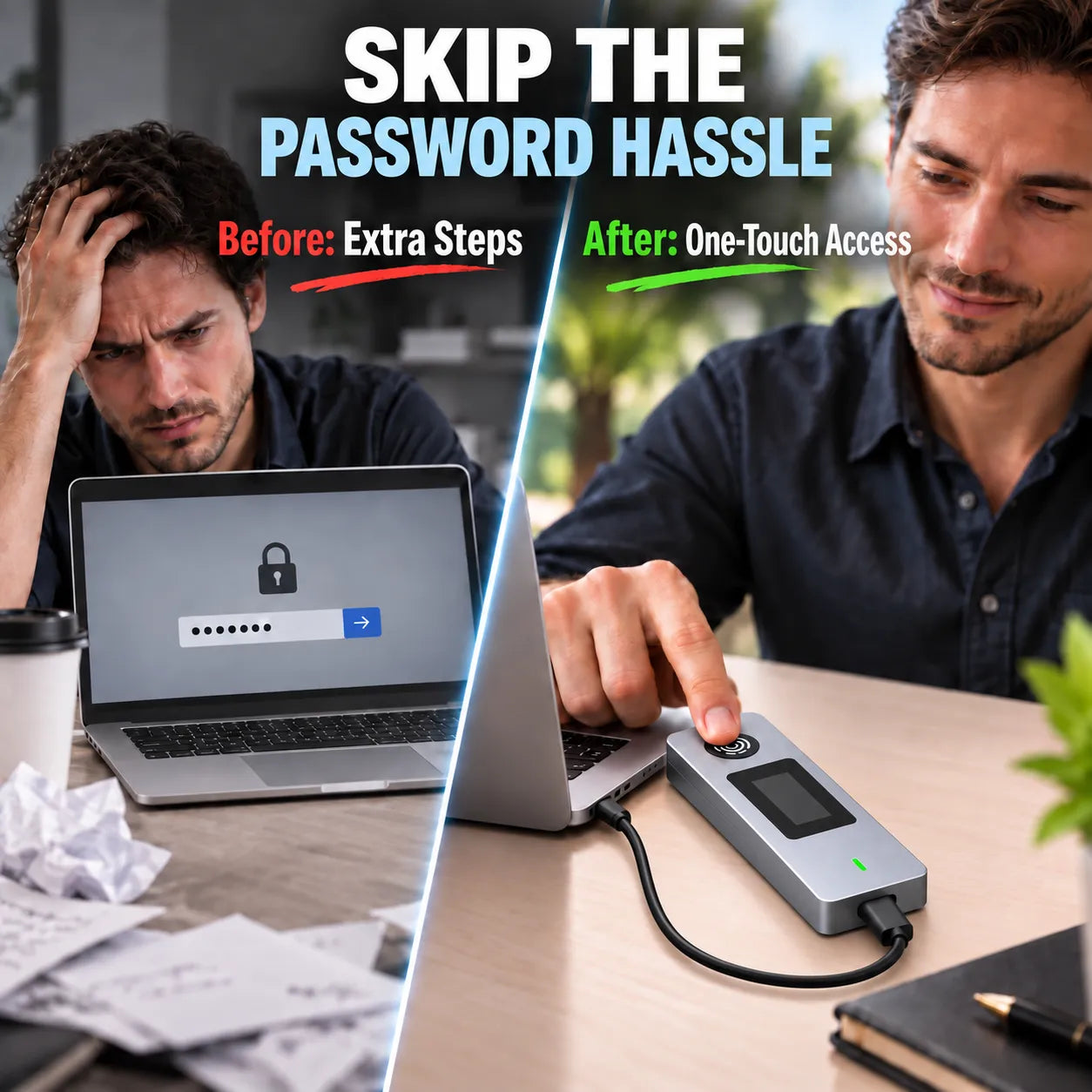
No more stopping to type another password whenever you need a stored file. Touch the sensor, unlock, and keep your workflow moving.
Give your compatible M.2 SSD a fast external connection for creative projects, work backups, photo libraries, and everyday file transfers.
The sturdy aluminum enclosure helps protect the drive inside while keeping your setup clean, portable, and easy to carry between locations.
Carry photo, video, and design project folders between your workstation and the road.
Keep important files on personal storage that travels with you.
Bring serious storage in a slim format that fits easily in a laptop bag.
Turn a compatible M.2 SSD into a convenient external home for copies of the files you value.
“Setup was straightforward, and using my fingerprint feels much faster than dealing with another password every time I need a file.”
Michael R.
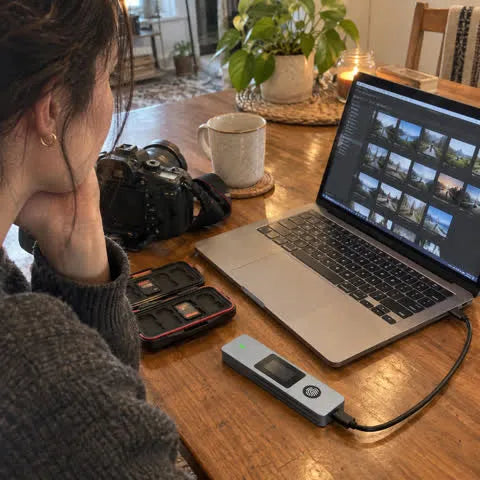
“I move a lot of photo folders between shoots. The screen and fingerprint access make this little enclosure easy to keep track of on my desk.”
Jenna L.
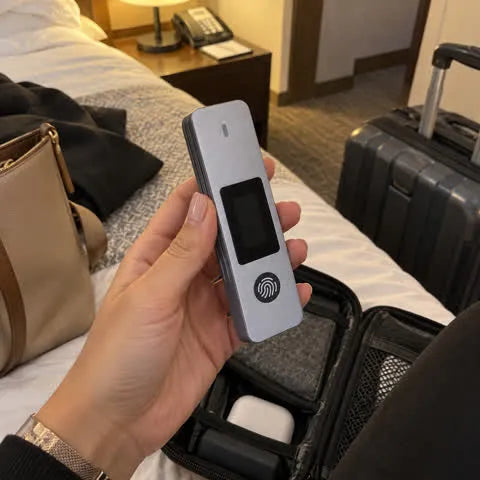
“It fits in my tech pouch without taking up space. I like having a more personal way to access work files when I travel.”
Alicia M.
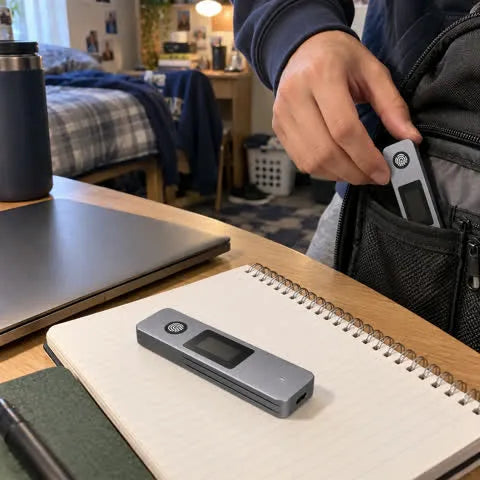
“Small enough to keep with my laptop gear, and it feels much more organized than carrying another bulky external drive.”
Tyler K.
An SSD is not included unless your selected offer specifically states otherwise. Install a compatible M.2 SSD before use.
The cable plugs into the USB-C port on the narrow short-end face of the enclosure—not into either long side.
The built-in display provides convenient visual feedback while the enclosure is in use.
After fingerprint setup, the sensor is designed to provide convenient personal access without relying on repeated password entry.
M.2 drives can use different formats and protocols. Please confirm your SSD's compatibility with the enclosure before installation.
Yes. Its slim aluminum form is designed to fit easily into a laptop bag or tech pouch.
Your order is backed by responsive customer support. If your item arrives damaged or you experience a product issue, contact us and we will help you with the next step.
Upgrade your compatible M.2 SSD with one-touch access, visible status, and a compact USB-C enclosure built to move with you.
Your estimated arrival is calculated from today's date and normally falls within 10–15 days. Buy any 2 merchandise items to unlock free worldwide shipping automatically.
If something is not right, contact us with your order number. Eligibility and time limits are explained in our returns and refunds policy.
After dispatch, we email the carrier and tracking link. Use our Track Order page for the latest shipment update, or contact support with your order number if a scan is delayed.
COMPLETE THE SCENE

Compare outdoor glow, party-ready décor and playful pieces that create an instant seasonal focal point.

Browse tree lights, mantel accents and giftable décor selected to make Christmas spaces feel finished.
Carregando